Shared Google Doc Wedding Planning for Couples Who Plan Together
Shared Google Docs are free and easy, but they can't keep wedding data connected as it changes.
A shared Google Doc is almost always the first tool a couple reaches for once the engagement settles and the planning actually starts. It makes sense: it's free, both partners already live in Google Workspace, and there's no setup standing between the idea and the first checklist. A blank document can become whatever the moment calls for, a running to-do list, a vendor contact sheet, a budget table, a rough seating grid, all without asking either partner to learn anything new. Typing in the same document at the same time feels like real teamwork in a way that emailing a spreadsheet back and forth never quite does. For a couple who just got engaged and wants to feel organised today, not next week, that immediacy is worth something. It's a sensible first move, and this isn't a case against making it.
The planning chain Google Docs cannot close
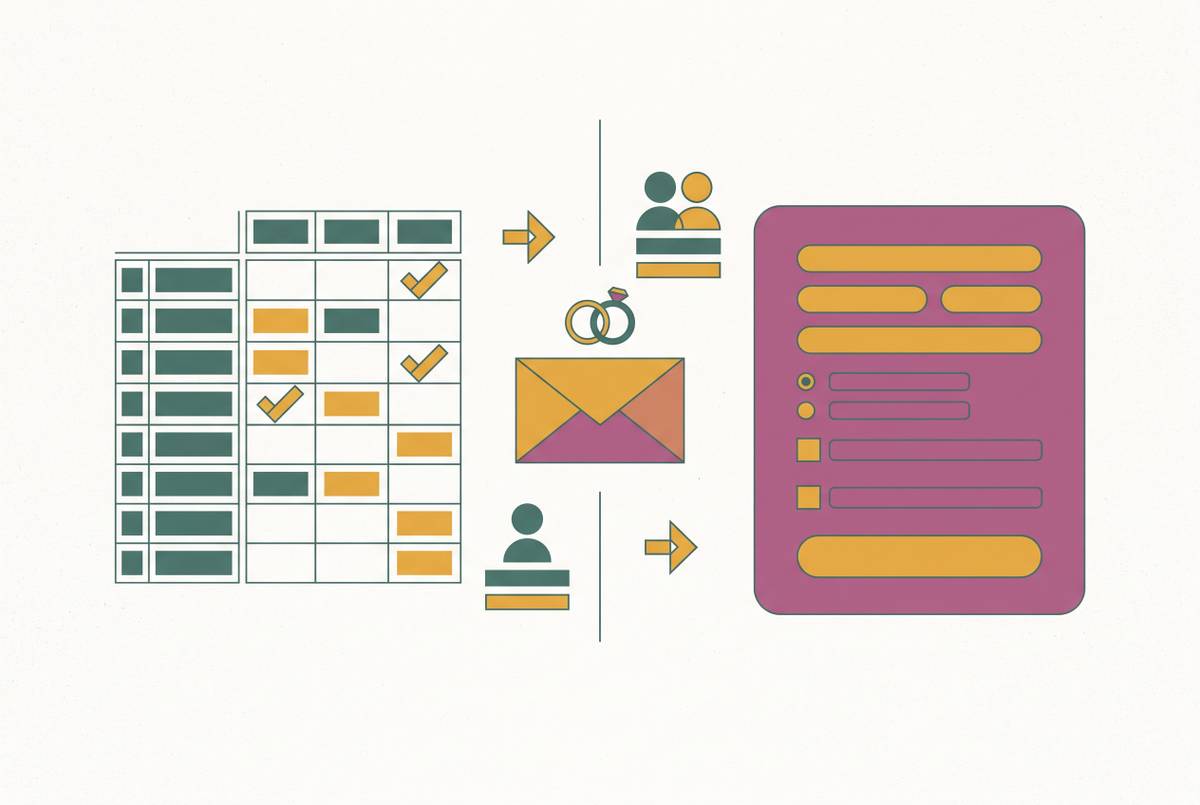
Wedding planning isn't fundamentally a storage problem. The harder task is keeping information connected as it changes, link by link, and a document is the wrong shape for that job. Think of the full chain a single guest moves through: guest name, RSVP response, dietary requirement, seating assignment, table card, kitchen briefing, day-of guest experience. Each link depends on the one before it being current and correct.
A Google Doc has no way to carry that chain forward on its own. The moment that copying happens, the document is a snapshot, not a live system, and the partner who didn't do the copying has no way to know whether it's still accurate. The same guest's dietary note ends up living in four places: the RSVP form response, the Doc, a caterer email, and eventually the seating chart, each one a separate record that has to be reconciled by a human being checking all four against each other.
A connected planning platform closes that chain without anyone doing the reconciling. An RSVP updates the guest list the moment it's submitted. The guest list feeds the seating chart. The seating chart prints table cards with dietary legends already attached, and guests get a QR-code seat finder on the day. Nothing in that sequence needs a human to copy it from one place to another.
Where the friction becomes visible (five specific moments)
The gap between a document and a connected system doesn't stay theoretical for long. These five specific, recurring moments appear in the first few weeks of using a shared Doc, and most couples will recognize all of them.
The first is the RSVP transcription loop. The chain from RSVP response to dietary requirement to seating chart requires manual work, and a Doc repeats that same manual work every time new information comes in.
The second is dietary requirements with nowhere stable to live. Dietary data entered once at RSVP should flow straight through to the seating chart and export cleanly for the caterer. That's precisely what purpose-built tools are built to do, and precisely what a Doc has no mechanism for.
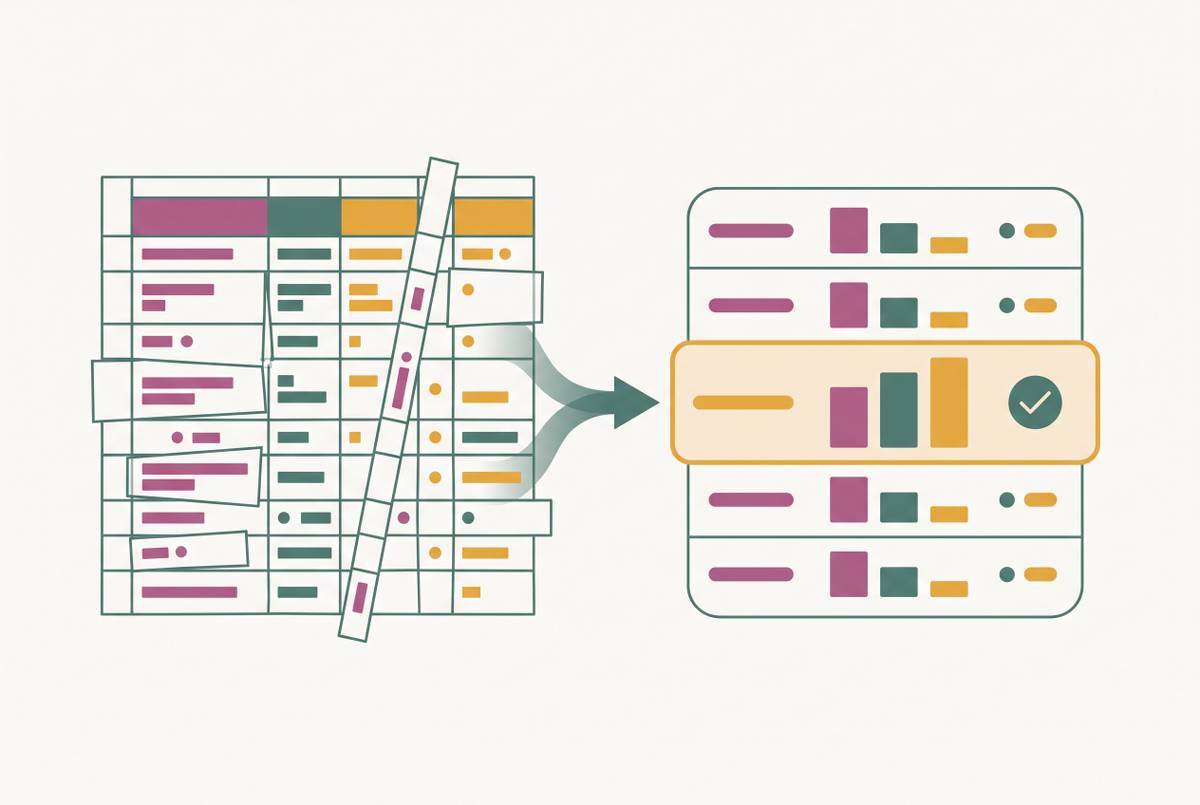
The third is the vendor quote folder that refuses to compare cleanly. Quotes come in as PDFs, and they're rarely built the same way: one photographer quotes eight hours with a second shooter, another quotes ten hours without one but throws in an album. A Doc can hold links to those PDFs or pasted text from them, but it has no way to normalise the comparison. The couple ends up doing that work by hand, lining up what's included, what costs extra, and what the real all-in price comes to, for every single quote, every time.
The fourth is version chaos once both partners start editing. Real-time editing is one of the Doc's genuine strengths, but it has no concept of a decided item versus a draft one. There's no decisions log, no way to mark that the photographer is locked in and shouldn't be re-litigated next week. One partner adds a note, the other overwrites it without meaning to, and the version history becomes the only place to find out what was actually agreed.
The fifth is the seating chart that keeps migrating. It usually starts in a Doc or a Sheet tab, moves to a dedicated seating tool once drag-and-drop becomes necessary, and then has to be re-synced with the guest list every time another RSVP comes in. The Doc becomes the stale copy. The seating tool becomes the live one, and neither is fully authoritative. Seating work is supposed to start four to eight weeks before the wedding, once the RSVP deadline has passed and guest counts are confirmed, but if the guest list and the seating tool are separate systems, the reconciliation work has to start over from zero right at that point.
Why the collaboration problem is harder than it looks
The Doc's deeper flaw isn't that only one person can hold the pen. Google Docs allows multiple editors just fine. Without a structure for shared ownership, planning quietly defaults to one partner managing and the other approving.
Real-time editing works only because the tool offers no way to assign a task, log a decision, or hand someone a category to run with.
Without assignable tasks or category-level ownership, the second partner is structurally pushed toward reactive input rather than genuine initiative, because the Doc gives them nothing to actually own. A tool built for genuine co-planning changes that dynamic: each partner can take a domain, catering, music, transport, and run it without duplicating the other's work or quietly overwriting it.
What the Australian planning context adds to the problem
A generic document, or a planning app built for an American wedding, isn't designed to catch the pressures an Australian wedding carries. A Doc catches none of that. A budget tool built on actual Australian cost benchmarks can flag it before the invoice lands.
Then there's a legal requirement that has no flexibility built into it at all: the Notice of Intended Marriage. The NOIM has to be lodged with a celebrant at least one calendar month before the ceremony, and no more than eighteen months prior. If you miss that window on either side, the wedding legally cannot proceed as planned. A checklist built for Australian couples surfaces this automatically. A generic Doc template, or an app built around American marriage law, mentions nothing about it.
Venue timing adds its own pressure. A Saturday at a popular Sydney venue typically needs booking twelve to twenty-four months out, stretching to eighteen to twenty-four months for premium harbourside venues, and peak season dates in October, November, March, and April tend to fill earlier still. A planning timeline that doesn't reflect that reality hands couples a false sense of how much time they have.
Most of the wedding planning app roundups a couple finds online are built around an American wedding: registry features that need a US bank account, vendor directories with no Australian listings, prices quoted in USD. If an Australian couple uses one of those tools, they hit US-shaped walls at nearly every step. Tools built in Australia, or explicitly localised for it, price in AUD, reflect Australian vendor categories, and build in the specifics that actually matter here, the NOIM deadline, peak season timing, the real cost of a Sydney Saturday.
How purpose-built connected tools solve each friction point
Every friction point a Doc creates has a direct answer in a connected planning platform, and the mechanism behind each answer is the same: data gets entered once, and it flows automatically to every place that needs it.
Take the RSVP transcription loop. A platform where the RSVP form feeds directly into the guest list removes the copying step entirely, along with the version lag and the risk that one partner is working from an outdated list. The RSVP form itself can capture meal preferences and dietary restrictions alongside a simple yes or no, and that information lives in the guest list the moment it's submitted, with no manual handling at any point.
That same mechanism reconciles dietary requirements across the guest list, seating chart, and caterer brief. When dietary data flows from the RSVP straight into the guest record, and the guest record connects directly to the seating chart, the caterer's dietary summary comes from that same data, not a separate spreadsheet someone built by hand. A connected system can print table cards with dietary legends already in place and give guests a QR-code seat finder on the day, so the same information that powered the RSVP carries all the way through to the guest's actual experience at the venue.
You solve the vendor PDF folder with structure, not more storage. A vendor comparison tool holds quotes in a normalised format, all-in price, exact inclusions, what costs extra, payment schedule, so the couple compares those fields directly instead of rebuilding the comparison from scratch for every category. Three quotes tends to be the practical sweet spot for a major category: enough to see the real range in the market and spot an outlier, few enough to actually compare with care.
Version chaos gets solved by giving the plan a memory. A decisions log marks an item as settled rather than still open, so each partner can take real ownership of a category with assignable tasks instead of waiting to approve what the other has already decided.
Grounding the budget in real numbers solves that problem. Generic budget tools tend to average across variables that don't match any real couple's situation. A tool built on Australian city-level benchmarks, catching hidden items like corkage, cake-cutting, and gratuities, gives a forecast that holds up against the real invoice.
The tools worth knowing about
No single tool covers every part of this well, so the right starting point depends on what a couple needs most urgently: vendor discovery, planning depth, seating logistics, or one connected system that handles all of it.
One option pairs AI-driven budget forecasting with genuine collaboration tools. It's free to plan with, permanently, with a one-off payment (not a subscription) unlocking Smart RSVP and unlimited guests, and a higher one-off tier unlocking cinematic invitations. Its honest limitation is that it has no vendor marketplace yet, with one expected to launch in late 2026, and it's a newer product with a smaller community than the established directories.
If you want to find and shortlist Australian vendors specifically, a dedicated vendor discovery platform with a concierge service is where you start. Couples who want deeper planning structure tend to pair it with a separate tool for that layer.
A free, distraction-free planning option exists on the simpler end, with premium unlocked as a single payment per wedding rather than a subscription, adding PDF and Excel export, fuller seating chart tools, and guest photo storage. Its honest limitation is that it's a US company pricing in USD, with no Australian vendor directory, no AI features, and no deep collaboration tools built in.
For seating specifically, a standalone seating tool can handle the logistics well on its own: dietary requirements can be included directly in PDF and CSV exports with a key, which makes sharing with a venue or caterer straightforward.
And if you want maximum flexibility, Notion or Google Sheets can still do the job. All of that effort falls on the couple.
Building a planning stack that works for two people
The goal was always to assemble the smallest set of connected tools that removes manual reconciliation and gives both partners real ownership of the plan. Most weddings need four systems to function as one: a planning home base for tasks, decisions, and vendor documents, a guest system for the list, RSVPs, and invitations, a logistics layer for the seating chart, floor plan, and day-of timeline, and a budget tracker tied to real invoices.
If the couple stopped using it two weeks before the wedding, could they export everything: a guest list as a CSV, a seating chart as a download, a budget as an export?
Moving off a shared Doc gains you the most by removing the transcription step. Data that flows automatically from RSVP to guest list to seating chart to caterer brief saves time, and it removes the specific kind of error that occurs on the morning of the wedding, when there's no time left to fix it.
Couples who want to start immediately and build as they go can begin with a free planning tool that covers the basics, add a dedicated seating tool once RSVPs close, and use structured vendor comparison from the very first quote. The one thing that has to hold true throughout is that the guest list and the seating tool speak to each other, even if everything else stays simple.
The planning timeline itself sets the real stakes. Vendor sequencing, venue and date first, then celebrant, photographer, caterer, videographer in that order, and the NOIM deadline are fixed constraints. A connected checklist surfaces them automatically, without being asked. A Doc only surfaces them if a couple thought to build the reminder in themselves. A well-organised wedding is the condition for an enjoyable one, and the couples who feel calm the week before the wedding are almost always the ones who finished the reconciling months earlier, not the morning of.