Seating Chart and RSVP Tool Integration Compared
Dietary data rarely syncs between RSVP and seating tools, creating service-day chaos.
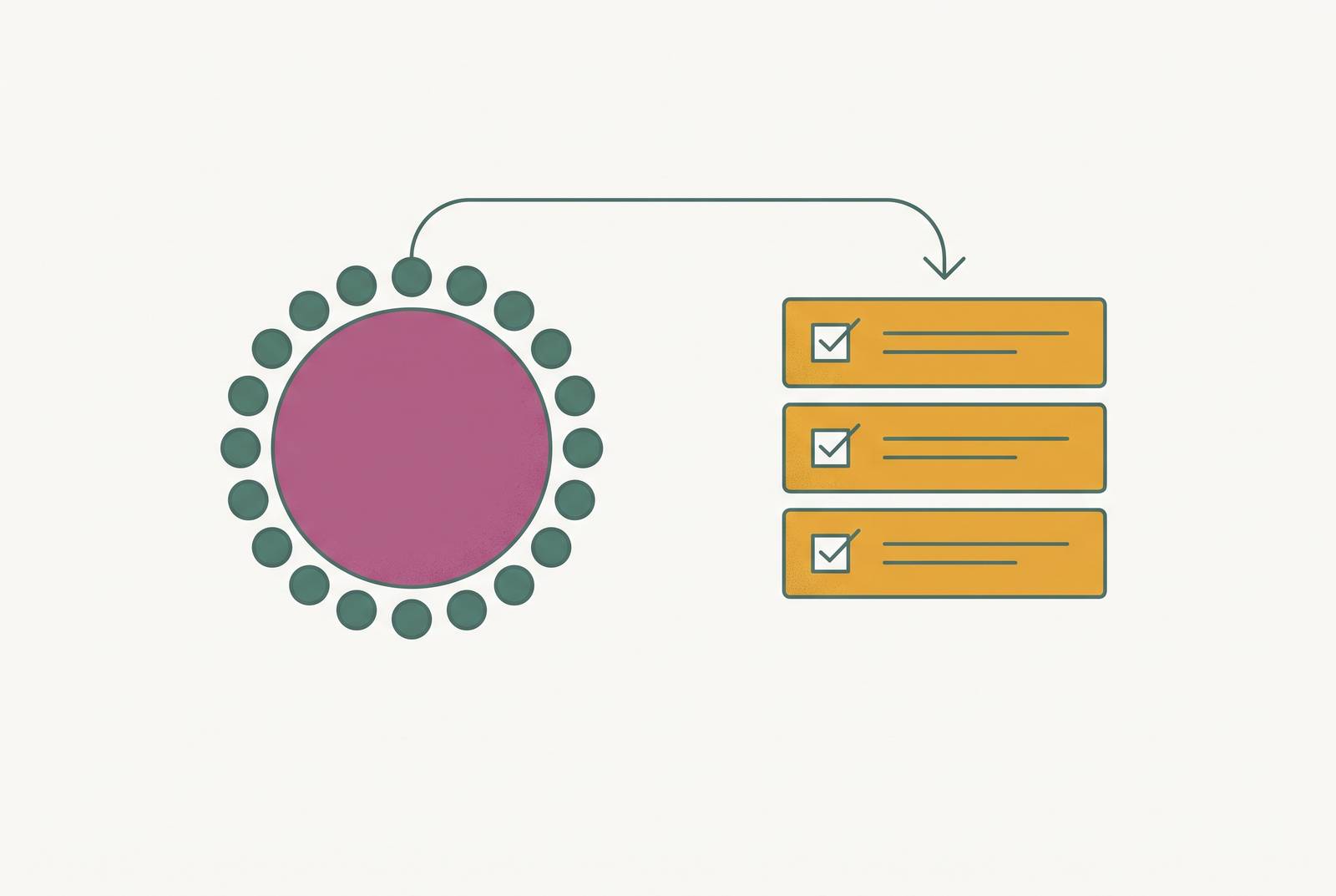
Every wedding hits the same wall around week three or four: RSVPs are still trickling in, dietary notes keep changing, and someone just added a plus-one nobody planned for. Your RSVP tool and your seating chart tool have to talk to each other, because if they don't, every change gets typed in twice by hand, and the retyping always lands during the week you have the least... Your RSVP tool and your seating chart tool have to talk to each other, because if they don't, every change gets typed in twice by hand, and the retyping always lands during the week you have the least time for it.
Australian couples feel this harder than most. Plenty of the popular planning tools are built around US workflows, US dietary categories, and US venue conventions, and that mismatch becomes visible right when there's no time left to fix it.
What "integration" means in this context, and the spectrum from none to full
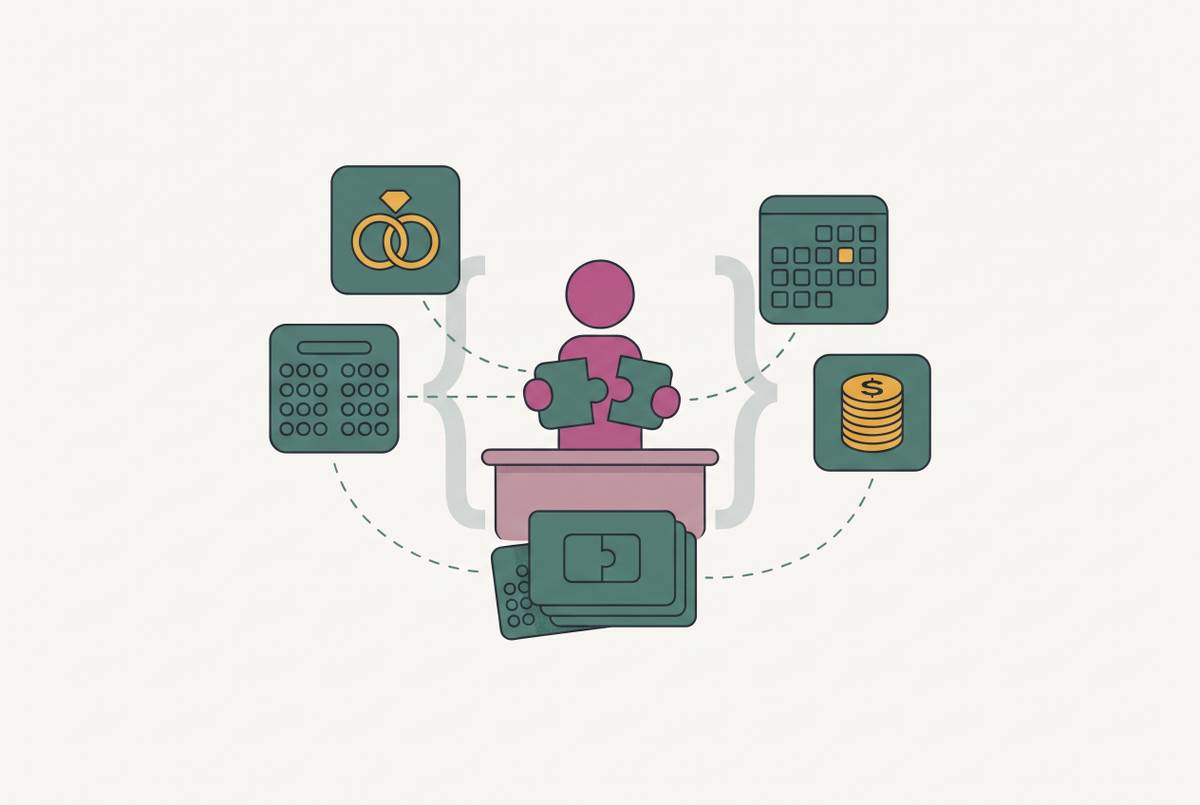
Four pieces of information need to move from your RSVP list to your seating chart: whether someone's coming, whether they brought a plus-one, what they're eating, and any dietary restriction attached to their name. How many of those four make the trip on their own, and how many you're stuck retyping, is the question to ask before you commit to any tool.
Picture a scale running from nothing connected to everything connected.
At the bottom, integration is absent. The RSVP tool and the seating tool are two separate universes, and every name, meal choice, and dietary note gets copied by hand from one to the other. One step up is partial sync: guest names flow into the seating chart on their own, which feels like progress, but meal choices and dietary flags get left behind. You still end up cross-referencing a second spreadsheet, just for fewer fields.
Above that sits automatic sync with manual review. The guest list populates the seating chart by itself, and when someone's RSVP changes, the tool flags it, but it won't move a seated guest for you. Someone still has to open the chart and act on the flag. At the top sits full two-way sync, where a decline, a dietary change, or a new plus-one updates instantly in the seating tool, and the affected seat gets flagged right there in the layout.
They treat name sync as the whole picture. Even tools that sync names cleanly often drop the dietary data at the seating layer. The caterer gets a headcount. They don't get a map of which seat needs the gluten-free plate, and that gap is where the real trouble starts.
Timing makes all of this worse. Standard advice says wait until the large majority of RSVPs are in before finalizing a seating chart, which usually lands three to four weeks before the wedding. That's a narrow window, and it's the same window where last-minute changes are most likely to hit. Most weddings see at least one decline, added guest, or swapped meal as some kind of late shuffle. On paper, that's a five-minute fix. Across two disconnected systems, it's a full re-layout.
How each major tool handles the RSVP-to-seating pipeline
The gap between these tools is visible on the wedding day itself, usually in ways couples don't expect when they first start comparing feature lists.
One option is a single connected system, built for one country's market, free to start with a one-time unlock instead of a recurring subscription. RSVP changes, dietary flags, and plus-ones move straight into the seating chart without a second entry point. It skips a vendor directory entirely, and it runs in a browser rather than as a native mobile app.
Standalone seating tools cluster in the partial-sync or automatic-sync band, and that's the honest limit of what they are: seating tools, not full planning platforms. Even the ones that pull a guest list in cleanly still need that list exported from wherever the RSVPs actually live. The sync works, but only after a manual handoff that has to happen every time the guest list changes.
The most capable standalone tool for complex floor plans offers 3D layout building and drag-and-drop table arrangement, and venues and self-planning couples alike have used it for years. The platform has been shifting its focus toward venues and enterprise clients, with the self-serve version scheduled to wind down by the end of 2026, making it less suited to couples planning their own day. If it's on your shortlist, check that it'll still exist in four weeks. That's not guaranteed anymore.
Some region-specific planning platforms bundle a free seating planner in with the website, checklist, and budget calculator, but never describe an automated link between RSVP replies and the seating layout. Others fold a table planner into a broader free planning suite but originate from overseas markets, with budget defaults and vendor coverage calibrated for a different country, and no confirmed detail on how tightly RSVP data and seating data actually connect. Where that detail isn't confirmed, assume the worst case, not the best one. Couples get burned by assuming a feature exists just because a screenshot implies it.
The dietary data gap that most integration comparisons miss
Name sync gets most of the attention in reviews and comparison posts. Dietary sync is where the real damage happens, and almost nobody writes about it.
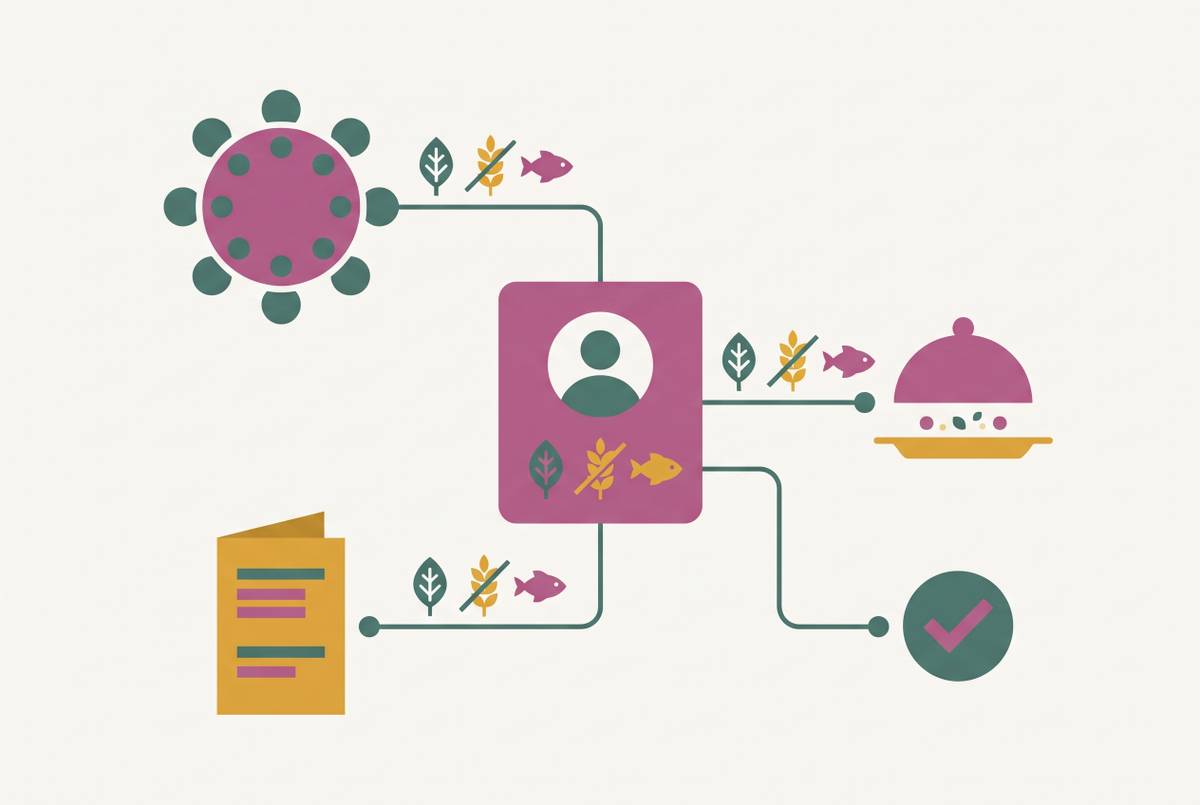
Even when a guest's name flows cleanly from RSVP tool to seating chart, the dietary flag attached to that name frequently doesn't make the trip. What lands with the caterer is a total headcount, so many chicken, so many fish, so many vegetarian. What doesn't land is which of those 20 vegetarian plates goes to table 9, seat 3. On the day, someone on the catering staff ends up cross-referencing a printed dietary list against a printed seating chart by hand, during service, while guests are already seated and waiting.
A proper dietary sync looks nothing like that. Each guest's dietary flag should travel with them to the table card, onto the printed chart, and ideally into a day-of view the catering team can pull up directly. No cross-referencing, no guessing, no second list.
At scale, this turns into a real operational risk. A wedding with a meaningful share of guests carrying dietary requirements spread across multiple tables means a lot of manual matching under service pressure, on the one day where there's zero margin for a mistake.
Australian weddings tend to carry more of this complexity than average, not less. Cities like Sydney and Melbourne draw on genuinely diverse cultural and religious dietary needs, halal and kosher requirements sitting alongside allergies and personal preference diets. A seating tool that treats "dietary restriction" as a single freeform text box wasn't built for that reality, and it shows the first time a couple tries to use it for anything beyond vegetarian versus not. Structured dietary fields aren't a nice extra here. Without them, service turns into a scramble.
QR seating finders and day-of tools, what they solve and what they don't
QR seating charts are a real trend this year. A guest scans a code at the entrance, their phone shows their table number, no printed chart, no hunting through an alphabetical list taped to an easel.
The genuine advantage is visible on the morning of the wedding. If a table gets rearranged at the last minute, a QR code pointing to a live, connected chart shows the update the instant a guest scans it. Nothing needs reprinting, nobody's standing at the entrance with a marked-up paper chart trying to explain the change.
That only holds if the data behind the code is actually current, though. A QR code pointing to a static image, generated once and never touched again, is just a fancier version of the same disconnected-data problem dressed up as innovation. Scanning it doesn't help if what's behind it is three days stale. A QR tool wired into a live, synced data source reflects change the moment it happens; one that's a picture with a scan code slapped on top needs manual regeneration and redistribution every time a table moves. Check which kind you're actually getting before leaning on it for the day itself.
The cost of the two-app reality in the final weeks
Plenty of couples end up running two or three separate tools for one wedding: one for finding vendors, one for the planning checklist and budget, and a different one entirely for the wedding website and RSVP collection. That's three data stores tracking the same group of guests, and none of them know the other two exist.
Every handoff between those systems is a manual export and import, and it doesn't happen once. It happens every time someone's RSVP changes. A late reply, a new plus-one, a dietary update, each one sends the couple back to both systems to update separately, by hand, again.
That collision lands at the worst possible time. The advice to wait until 90% of RSVPs are confirmed, typically three to four weeks out, before finalizing seating means the reconciliation work concentrates into exactly the weeks when couples have the least bandwidth left for it. Earlier in the engagement, fixing a mismatched spreadsheet cost almost nothing. In the final month, that same fix eats an evening that doesn't exist anymore.
Planning software is supposed to mean less stress, not more of it. A tool that quietly requires two updates for every one change pushes the cost onto the exact week where time is scarcest, and that's a bad trade no matter how good the tool looks in a demo.
Choosing the right tool combination for your guest list size and complexity
The right setup depends less on which tool has the longest feature list on its homepage and more on the actual shape of the guest list.
For a smaller wedding, under roughly 50 guests with a simple menu, almost any combination of a basic guest list, RSVP tool, and seating chart holds up fine. Manual reconciliation at that scale is a few minutes of work, not an evening. A lightweight standalone seating tool paired with whatever RSVP platform is already in use works fine without deep integration underneath it.
Medium and large weddings with real dietary complexity face a different set of demands, and this is where the calculus flips. Once a guest list carries multiple dietary requirements across a structured, multi-course meal service, partial sync (names only, no meal data) stops being good enough, full stop. Full integration earns its cost here. The per-seat dietary map handed to the caterer is what stands between a smooth service and a scramble at table 9. Couples in this bracket working with a standalone seating tool should look hardest at the ones built for complex floor plans, provided the RSVP platform on the other end can export data cleanly into it.
Couples still early in planning, focused mainly on finding vendors, are solving a different problem right now, and that's fine. Whether RSVP data connects to seating doesn't need solving this week, but it shouldn't get ignored either. Pick a planning platform that connects RSVP data to seating before RSVPs start rolling in, not after they're already sitting in a system that can't talk to anything else. Wedbuild, a self-serve wedding planning app that keeps a couple's guest list, RSVPs, dietary flags, seating chart, and budget in a single connected flow, is one option built around exactly that sequence.
One piece of timing advice holds regardless of guest count: lock in the seating tool before RSVPs close. Migrating a half-finished guest list between platforms in the final weeks creates exactly the manual, error-prone mess this whole comparison exists to help you avoid.