Which Wedding Platforms Pass Dietary Restrictions From RSVP to Seating Chart Without Human Intervention
Only ouRSVP automatically moves dietary restrictions from RSVP straight into your seating chart.

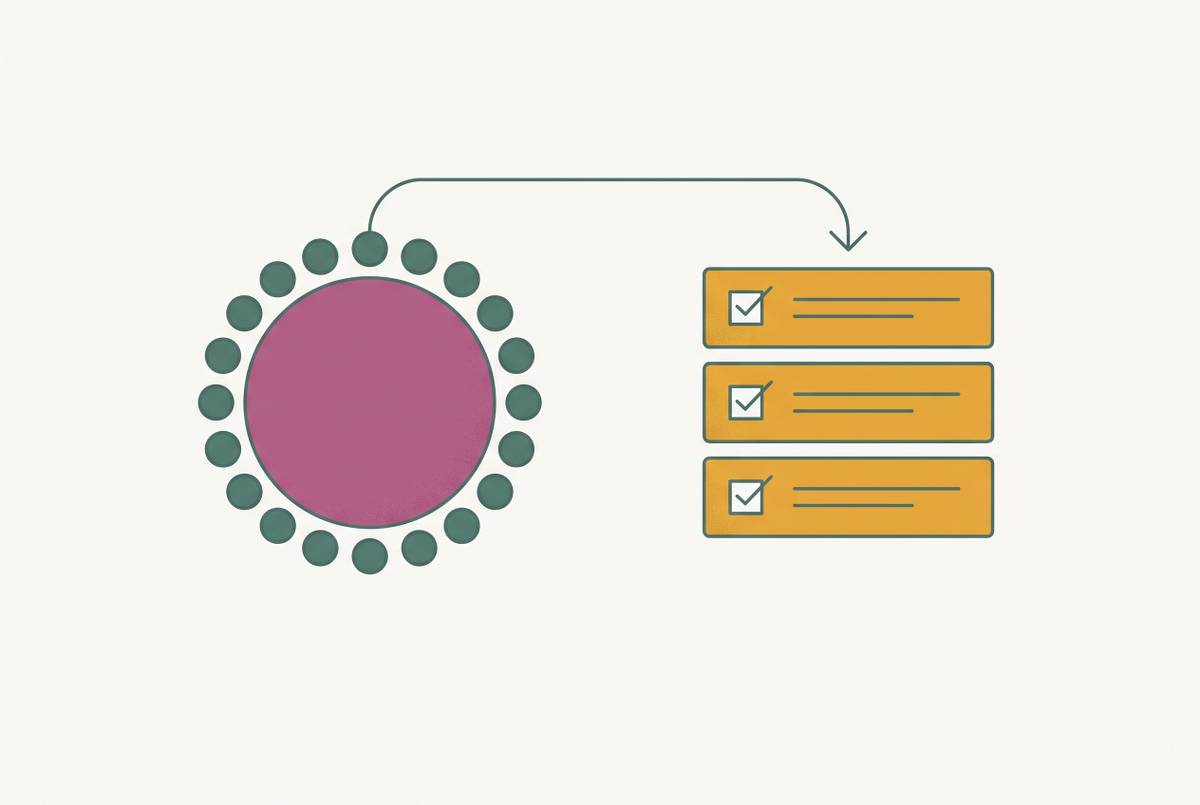
Each wedding guest’s dietary restrictions should carry over from RSVP to table assignment without anyone having to copy them by hand. The deciding feature is a shared guest record. ouRSVP describes a direct guest-list-to-seating flow, while the information supplied for a planning suite and a dedicated table planner leaves parts of the chain unproven. The test is whether each guest’s needs reach the chart and caterer export automatically, including after a change.
Why dietary data almost always breaks between the RSVP and the seating chart
It is the Tuesday before the wedding, and someone is matching two spreadsheets while the caterer waits for a final headcount. One file has the guests’ RSVP answers and dietary requests. The other holds table assignments. A late reply appears in one but not the other, and a confirmed plus-one still has no name or meal information. The work is not planning anymore, but reconciliation.
This usually starts with how the tools were built. RSVP collection and seating charts often come from separate teams, are sold as separate features, and were never designed to share a guest record. The list also changes purpose over time. At month eight, mailing addresses, households and plus-one status dominate it, while at month one, dietary flags, allergy severity and table assignments become essential. So even when the headcount looks complete, details about the people coming may still be missing.
The deadline makes that gap hard to absorb. Caterers usually need the final headcount, each guest’s meal choice and dietary requirements, and severe allergies flagged on their own, one to two weeks before the wedding. By then, names and needs must match. A missed allergy can become a medical emergency rather than a planning inconvenience, which makes the connection between the two tools a safety question as well as an administrative one.
What the RSVP-to-seating chain actually requires to work without human intervention
Dietary information must first go into a structured RSVP field that gives guests the same choices. “No meat,” “vegan” and “I don't eat red meat” do not describe interchangeable meals. With free text, someone has to work out what those answers mean. General dietary needs must also be separate from a severe-allergy flag, because the same dietary selection can reflect very different preparation requirements.
Each answer must be tied to one guest. A household response that assigns one dietary requirement to everyone cannot represent a family whose members eat different meals. That rule applies to plus-ones as well. A confirmed place without an identified guest and their dietary information is not a complete catering record, even when the headcount adds up.
The information must then appear automatically beside the guest in the seating chart. When that guest changes their answer, the chart, meal count and allergy roster must update without someone having to copy the change into each one. Finally, one caterer export must connect every guest’s name, table assignment and dietary flag. This standard requires unified collection and routing, with confirmation of what the caterer can safely prepare handled separately.
Platforms where the full chain is intact
A platform can offer RSVPs, meal questions and a seating editor while still leaving the couple to move information between them. That distinction limits what can be concluded here. The supplied product descriptions establish different parts of the process, but they do not establish every requirement for every named option.
ouRSVP’s seating chart page describes the clearest direct connection. The final guest list, including meal selections, plus-ones and dietary needs, flows from the dashboard into the seating chart. That removes the export-and-import step between those tools. Its description supports a connected handoff, though it does not by itself establish a separate severe-allergy flag or prove that every later dietary edit updates every output in real time. Those remain questions for a trial.
ouRSVP Pro costs $15/month and has a drag-and-drop seating chart and PDF export. The subscription model affects the total cost. Couples comparing it with one-time-payment alternatives need to account for both the displayed prices and how long they will use it. A PDF export is useful, but its contents still need to meet the caterer’s requirements. The existence of an export alone does not establish that it combines names, tables and dietary flags.
Nuptl brings RSVP, seating, budgeting and timeline tools into one planning suite. That scope makes it relevant to this comparison. But the description supplied does not say how each guest’s dietary answers appear in the chart or how changes to those answers reach the caterer output. It also does not establish whether seating integration is included in the free tier. A full-suite description is not enough to award a complete pass.
Tableplan is a dedicated table planner for weddings and events, with seating chart and floor plan functionality. Its role is clear from that description. The supplied information does not establish an automatic RSVP-to-seating dietary flow, so it cannot support a claim that this dedicated table planner closes the whole chain. This limits what the supplied evidence can establish. For both it and the planning suite, the practical decision depends on demonstrating the missing connections before entering the guest list.
Where the chain is incomplete and why it matters
The clearest warning is a required CSV transfer. If RSVP answers must be exported from one tool and imported into another, the couple becomes responsible for keeping the two versions aligned. An import can misalign columns, and a later RSVP can leave a row missing from the seating file. A handwritten revision can also fail to reach the digital record. None of those errors requires someone to misunderstand the original dietary request.
In standalone templates and spreadsheet grids, names and dietary needs must be entered manually, and a changed RSVP does not update the layout by itself. Free access does not settle that question. A free tier may collect answers without seating sync, so couples need to compare how much they will have to do by hand as well as which option costs nothing.
There is also a different kind of incomplete chain. Data may move without a hitch even when the guest’s answer is too vague to use safely. A general dietary checkbox cannot always distinguish preference from a medical requirement. Keep using connected tools, with a severe-allergy flag separate from general dietary information. Automation can preserve that distinction only if the form captures it.
How dietary data needs to be structured for the caterer, and what that means for the seating chart
The catering version of the seating chart must tell staff which plate goes to which guest, at which seat and table. A meal total cannot do that alone. The dietary restriction column says what the person eats, and the table assignment says where the meal goes. Those details need to come from the same live guest list, rather than from files that happen to contain similar names.
Think of a late RSVP added after the seating list was exported. That guest may be on the dietary list but still have no row in the seating file. Combining the columns without reconciling the records can leave a dietary requirement without a destination or beside the wrong name. This is exactly the work an integrated handoff should remove. The final document should function as an allergy roster by table.
Guests with allergies and specific dietary needs should be grouped where servers can find them easily, rather than scattering individual requests across many tables without a clear delivery sequence. The chart is therefore a service document, too. Visible dietary labels help the coordinator and catering staff connect the kitchen’s instructions to the room layout. A guest list kept elsewhere cannot do that on its own.
The public chart has a different purpose. Guests need to find their seats while other people’s dietary details, accessibility needs and private planning notes remain private. Those fields should not automatically appear on the guest-facing version. A QR-code “Find My Seat” function can let guests confirm their seat from the same data set without a printed sheet needing handwritten changes.
The edge cases no platform fully automates
The couple or coordinator needs to check the flagged allergies before the final list goes to the caterer. A dietary label alone may not explain severity, and even a dedicated flag needs attention before forwarding. The software can put the response in the right place. It cannot replace the judgment needed to understand what that response requires.
The caterer also needs to confirm directly, in writing, what they can prepare. That includes whether severe nut allergies can be handled with separate kitchen preparation and whether certified kosher or halal meals are available. No current platform automates that vendor conversation. Recording a request and confirming that it can be fulfilled are different tasks, and the second cannot be inferred from a completed RSVP.
Some guests will phone or post a reply card. Their answers still need to reach the same live list, through manual entry by the couple. For those replies, the practical workaround is consistent recordkeeping. General dietary preferences go in one field, while severe allergies need their own flag that staff can see beside the guest’s name in the seating chart.
How to evaluate any platform before you commit your guest list to it
Before entering the guest list, ask the platform to demonstrate the whole route. RSVP answers must reach the seating chart without export and re-import, and dietary information must be tied to each guest. A severe-allergy flag must be separate from the general dietary field. Changed responses must update the chart in real time. The caterer export must then combine each guest’s name, table assignment and dietary flag in one document.
Start with one mock RSVP. The test guest needs a dietary requirement and a severe allergy entered before you open the seating chart. Both should show up beside the guest without you having to copy anything. Change the response and check the chart, meal count and allergy roster again, then inspect the caterer export. If the information needs a manual transfer at any point, the platform fails the core test.
For a small wedding under roughly fifty guests, a free tier may be enough, but you still need to check what it includes. Check for structured dietary capture and seating chart sync. Australian couples also need to check whether pricing is in AUD or the AUD conversion is stated clearly. Any intended feature should work without requiring a US bank account or address. Australian date formats and time zones should be supported so that a Perth guest and a Brisbane guest are not responding to different closing dates.
The decision should rest on that working example, which tests the promise of an all-in-one suite. A platform earns confidence when the test record stays complete from response to table to caterer document. Before sending the list, the couple or coordinator must check the severe-allergy flags and confirm in writing how the caterer will prepare the meals. Automation handles collection and routing, while people make the final allergy decisions.