Switching Wedding Planning Tools Mid-Engagement
Staying with a broken tool costs more than switching midway through planning.
When the switch is worth making
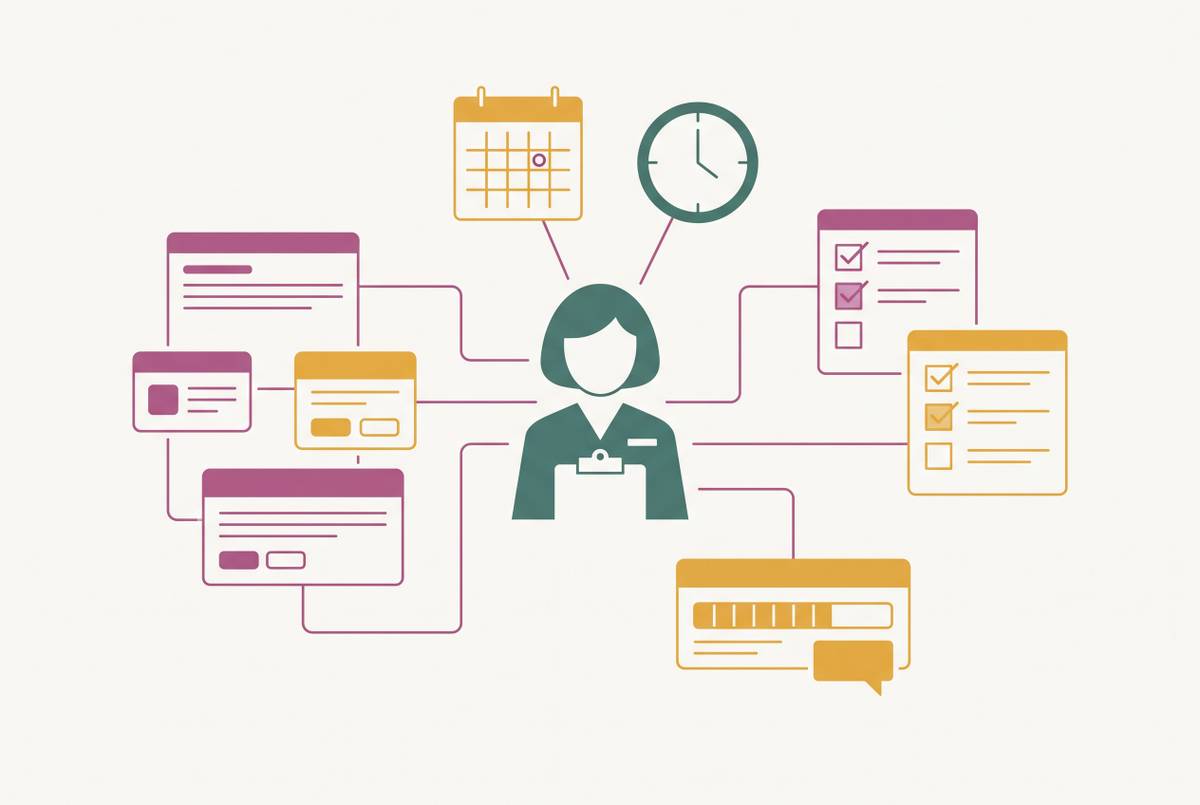
Switching wedding planning tools mid-engagement feels like starting over. Switching wedding planning tools mid-engagement feels like starting over, but it isn't: the real risk sits on the other side, staying with a tool that's quietly losing guest data, dropping RSVPs, and forcing someone to reconcile two spreadsheets on the morning of the wedding. The real risk sits on the other side: staying with a tool that's quietly losing guest data, dropping RSVPs, and forcing someone to reconcile two spreadsheets on the morning of the wedding. Planning a wedding already runs on a fixed deadline with no dress rehearsal, and bad tooling doesn't sit neutral inside that pressure. It adds to it.
A tool that scatters the guest list across three places, or makes one partner fight for edit access, costs something every single week it stays unfixed. And couples who end up switching mid-engagement tend to hit the same handful of walls. The tool never supported Australian vendors or AUD pricing, and that only becomes obvious weeks into setup. The guest list, RSVPs, and seating chart live in three apps that don't talk to each other. Or the couple started in a Notion template or a shared spreadsheet, and it broke on mobile the first time someone tried to update it standing in a venue's driveway. Sometimes the cause is smaller: one partner never got real edit access and just stopped trying.
Couples overestimate how much work a switch would cost them, and underestimate how much is already broken in the tool they're using; that bad math is what keeps people stuck with something that isn't working. That's the sunk-cost trap, and it's what keeps people stuck with something that isn't working. What follows is a sequenced migration plan, one a couple can actually run this week.
A few signs mean the tool has genuinely failed and a switch is warranted. If the same guest data gets typed into more than two places on a regular basis, that's a structural problem, not a workflow quirk. If RSVP responses arrive but don't update the guest list or seating chart automatically, the tool has stopped doing its one job. Dietary requirements tracked in a separate document from the seating plan is another red flag, as is a tool that demands a US address or bank account, or fills vendor search results with businesses that don't operate in Australia. And if one partner has quietly stopped logging in because the thing is too frustrating to open, that's not a minor gripe. That's half the planning team gone.
Other signs point the other way. If the data's intact and the tool actually covers what's needed, the problem might just be an unformed habit, not a missing feature. If the wedding is fewer than six weeks out, the math changes completely: migration risk outweighs whatever a new tool offers at that point, full stop. And if only one feature is missing, a lightweight add-on usually fixes it faster and cheaper than moving the whole operation.
Timing decides how painful the move is. Switching early, before the seating chart turns into a living, constantly-edited document, keeps the migration light. Wait until per-head dietary data is locked in and table assignments are set, and the same switch gets far more disruptive, because now the couple isn't just moving names. They're moving relationships between names.
No tool does everything well. The goal is one that keeps the critical loop connected: guest list, RSVP, dietary needs, seating, table cards, without forcing a manual reconciliation between any two of those steps.
What data you have, and what form it's in
Before opening a new platform, take stock. This sounds obvious, and it gets skipped constantly, mostly because couples assume they know what they have until they actually go looking for it.
Usually needing tracking down are the guest list with RSVP status and dietary flags, the budget with actuals versus estimates, vendor contracts and payment records, the seating chart if one exists, and the wedding website content: the copy, photos, and the RSVP form URL already sitting in guests' inboxes.
Export everything before touching the deactivate or delete button on the old tool. CSV for guest lists, PDF for budget summaries, screenshots if that's all the old checklist view allows. Do this first, not as an afterthought once the new tool is already half set up.
RSVP responses already submitted by guests need special handling, because they're the most time-sensitive item on the list. If the old tool's RSVP link is sitting on a wedding website right now, that link has to be redirected or swapped out before a single guest tries to use it again.
The migration sequence that avoids double data-entry
Order matters here, and it isn't arbitrary. The guest list goes first, because seating, dietary tracking, RSVPs, and table cards are all downstream of one question: who's actually on the list.
Step 1: Import the guest list before anything else. Export it out of the old tool or spreadsheet as a CSV, and map the columns (name, household, email, dietary flag, RSVP status) before hitting import. Past a relatively small guest count, manual re-entry stops being realistic; bulk import is the only sane way in. Check that household groupings survive the move. A tool that doesn't group households will scatter families across the seating chart later, which is a headache nobody needs three weeks out.
Step 2: Migrate RSVP status and dietary data before the new RSVP link goes live. Mark already-confirmed guests as confirmed in the new system, so nobody gets a chase email for a question they've already answered. Move dietary requirements field by field, since this is the data most likely to get lost or misfiled in transit. Don't publish the new RSVP link until this step is fully done.
Step 3: Rebuild the budget with actuals, not estimates. Committed spend, deposits already paid, signed contracts, that comes first, because it's fixed and has to be right. Estimates and remaining allocations come after. If the new tool can attach invoices or payment records, do it now while the paperwork's already in hand.
Step 4: Redirect the wedding website or replace the RSVP form URL. If guests have the old site bookmarked, either point that URL at the new site or push an update through every channel already in use, digital invitations, save-the-dates, whatever's out there. This is the step most couples forget, and missing it is expensive: the old RSVP form keeps quietly collecting responses into a dead system while the new one sits empty.
Step 5: Rebuild the seating chart last. Only start it in the new tool once the guest list and dietary data are confirmed accurate. Building seating before the dietary data has fully migrated will make the chart look finished while it is missing the exact information the caterer needs most.
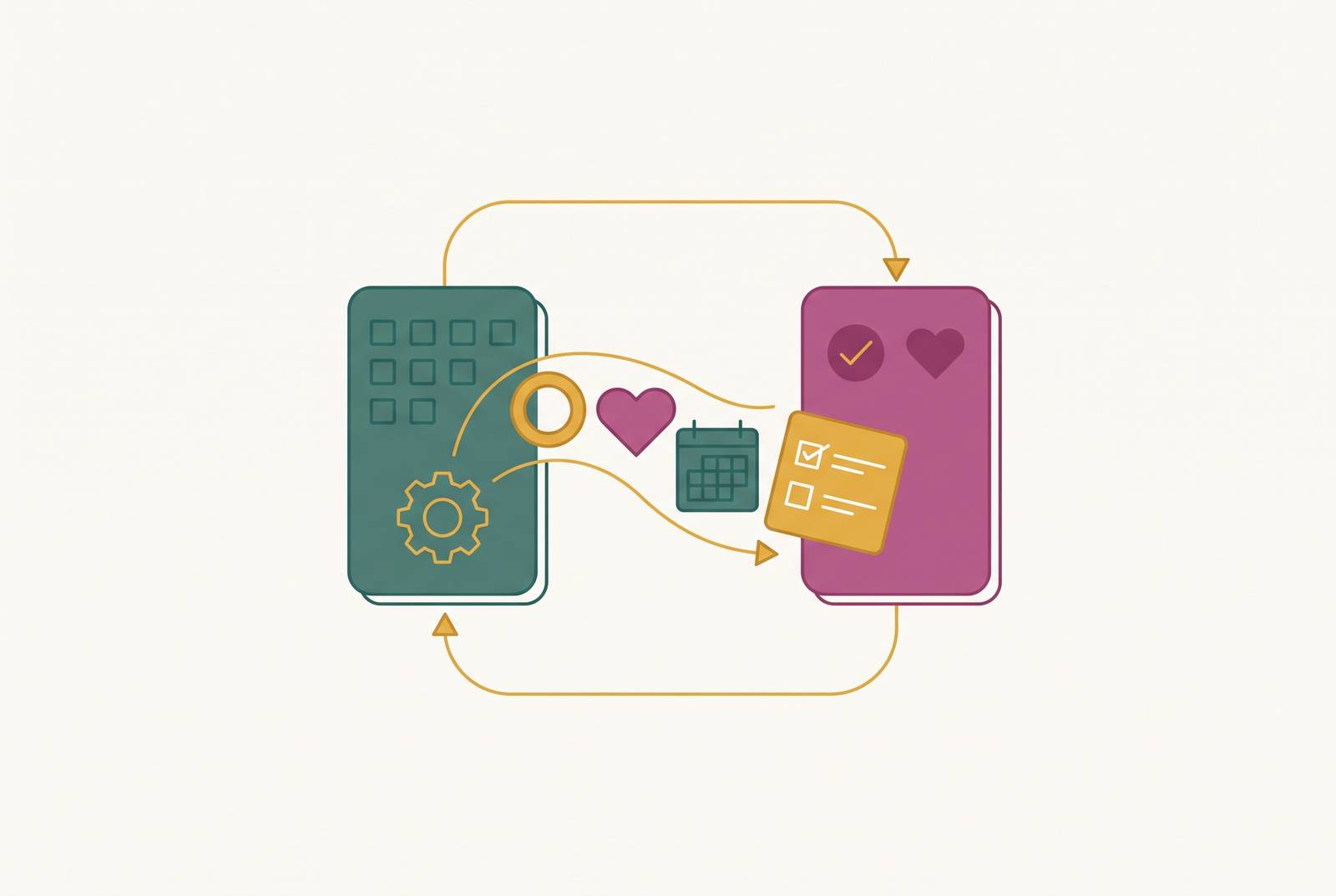
The best setup is a platform where RSVP updates feed straight into the guest list, and the guest list feeds the seating chart and dietary legend on its own. That structural link is what keeps things from drifting out of sync once the migration is done, and it should count for more than almost any other feature when picking where to land.
Choosing the destination tool: what Australian couples are switching to
The connected loop is the right frame here: a tool that links RSVPs to dietary data to seating to table cards inside one system beats a longer feature list that still needs manual reconciliation between every step. A tool that links RSVPs to dietary data to seating to table cards inside one system beats a longer feature list that still needs manual reconciliation between every step.
Australian relevance narrows the field fast. Tools built around US vendor directories, US-only registries, or USD pricing create friction that only grows for a couple planning a wedding in a major Australian city. A comparison from Ivory Lane notes that certain platforms cover roughly 80% of Australian wedding suppliers, which makes them strongest for straight vendor discovery, not for running the whole operation.
Some tools are built in Australia with local teams, budget forecasting calibrated to Australian city pricing instead of a US benchmark, and everything, budget, guest list, vendor management, timeline, checklists, in one place, with real-time partner collaboration, assignable tasks, and a decisions log. No native mobile app yet in some cases, though one may be on the roadmap. The AU vendor directory lets couples browse venues, caterers, and celebrants by city with local pricing, though it's not built as a marketplace-style directory. Free to plan with, often with a one-off payment to unlock full functionality.
Other platforms lean hardest into the free guest-experience side: a wedding website, RSVP collection, digital invites, but with lighter budget tools and no seating chart function. Couples relying on those tend to end up running a second, dedicated planning tool alongside it, which is exactly the double-tool situation this piece is trying to help someone avoid.
According to Ivory Lane's comparison, most couples end up pairing one vendor-discovery tool with one planning and budgeting tool, since few platforms do both well. For a couple whose main problem is disconnected data, the migration destination should almost always be the planning half of that pair, chosen because its guest workflow runs automatically down one connected chain instead of being bolted together after the fact.
The RSVP handover (the step that breaks most migrations)
RSVPs are fragile in a way budget data and checklists aren't, because RSVPs depend on guests taking action on their own schedule. Changing the link without a clean handover causes responses to start splitting across two systems, or worse, landing in one nobody's checking anymore.
Most couples build a wedding website at some point, and the RSVP link usually lives on a page guests have already bookmarked or saved from an email. That makes the handover step non-negotiable.
A few things make it work cleanly. If both the old and new tool support a custom domain, point that domain at the new site before sending a single new message to guests. If the migration means an entirely new website, send a direct update by email or digital invitation with the new link and a firm deadline, rather than counting on guests to revisit an old save-the-date. Close the old RSVP form the moment the new one opens; never run both at once. Put a visible, specific deadline on the new form, since guests respond faster when the ask is concrete.
Dietary data needs a manual double-check here too. Anything submitted through the old RSVP form should be verified against what actually transferred, because automated imports are notoriously bad at pulling free-text allergy notes across cleanly. The best case is a platform where the website, RSVP form, guest list, and dietary tracking are one connected system, so the whole handover is a URL change, not a data reconstruction project done under deadline pressure.
Dietary requirements surviving the move to a new seating chart
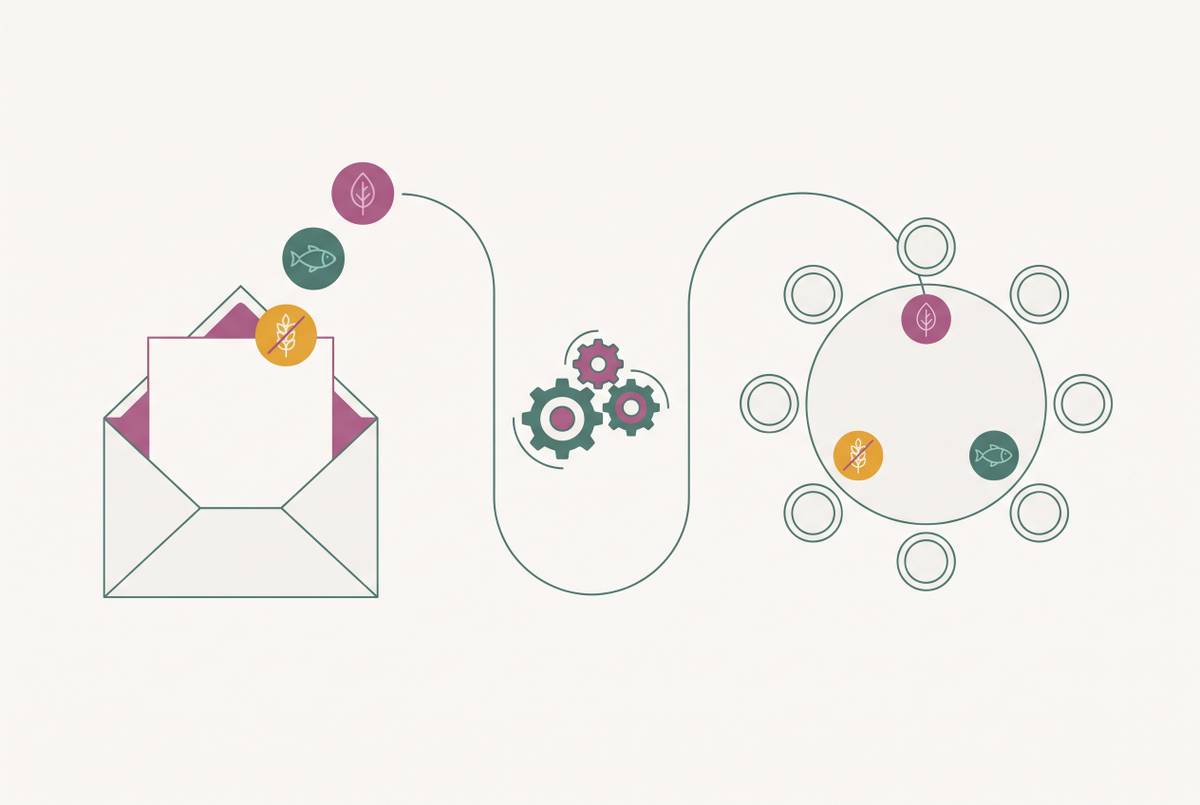
Dietary data is the single most operationally important piece of guest information in the whole planning process, and it's also the thing most likely to get lost in a migration. It travels a long chain: RSVP form to guest list to seating chart to caterer brief. A break anywhere along that chain turns into a day-of problem nobody wants to solve at the reception.
A correct migration keeps each guest's dietary requirement attached directly to their guest record, not filed away in a separate column or a standalone document somewhere else. A correct migration keeps dietary tags attached to each placed guest as the seating chart is built, so the chart itself communicates meal needs without anyone needing a second lookup. The caterer export, meal counts by table, dietary flags by seat, should generate straight from that same data, with no manual cross-referencing on the morning of the wedding.
When it breaks, dietary data collected at RSVP lives in one system, the seating chart gets built in a completely different one, and by wedding morning, somebody's cross-referencing two spreadsheets by hand to put together a caterer brief. That's the exact scenario a migration exists to fix, not recreate.
Before rebuilding the seating chart in the new tool, run a dietary audit. Export the full requirement list and confirm every allergy and restriction sits on the correct guest record before a single table gets placed. That one check, done early, saves a scramble later.
What to do mid-seating-chart when switching
This is the highest-friction version of the migration, and it needs its own approach rather than forcing the standard sequence onto a chart that's already half-built. Guest assignments exist in the old tool, dietary data may or may not be attached to them correctly, and table numbers have probably already been shared with a venue coordinator or printed onto early stationery proofs.
The fix isn't abandoning the work already done. Export the current seating chart exactly as it stands, table by table, guest by guest, before doing anything else. Cross-check that export against the freshly migrated guest list and dietary audit from the step before, because gaps between the old seating export and the new guest data are exactly where a guest quietly loses their dietary flag or drops off a table assignment. Rebuild table by table rather than guest by guest. It's slower, but it lets a couple confirm each table's dietary needs are intact before moving to the next one, instead of finding a gap after every guest is already placed.
If the wedding is close enough that a full seating rebuild feels risky, weigh the timing guidance from earlier. A near-complete seating chart in a flawed tool might be worth finishing where it stands, with the new tool reserved for everything downstream of the seating plan, guest communications, day-of logistics, vendor coordination, rather than forcing one more rebuild under a shrinking deadline.