Day-of Wedding Coordination When Planning Tools Are Fragmented
Fragmented tools leave couples scrambling to sync data minutes before their guests arrive.
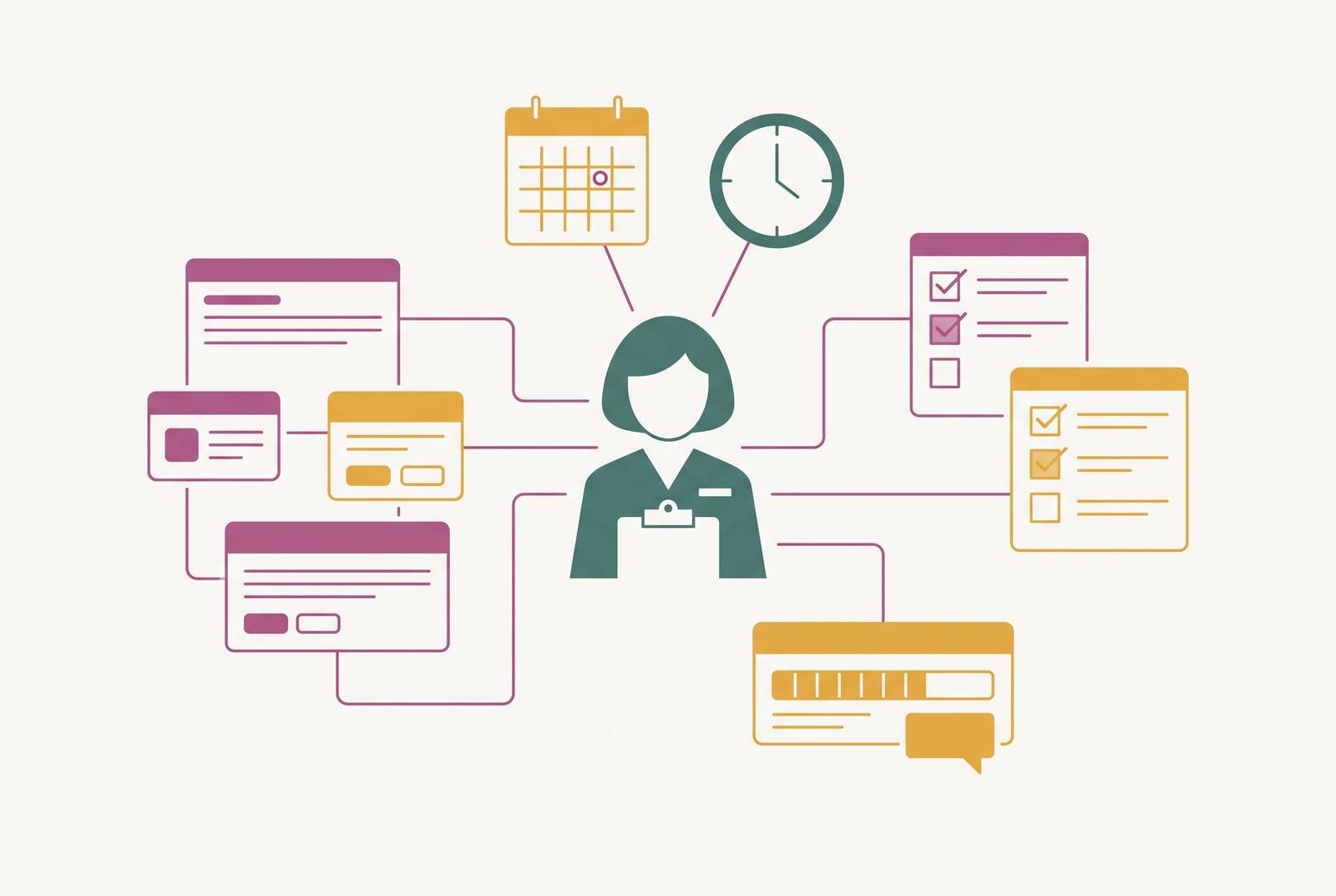
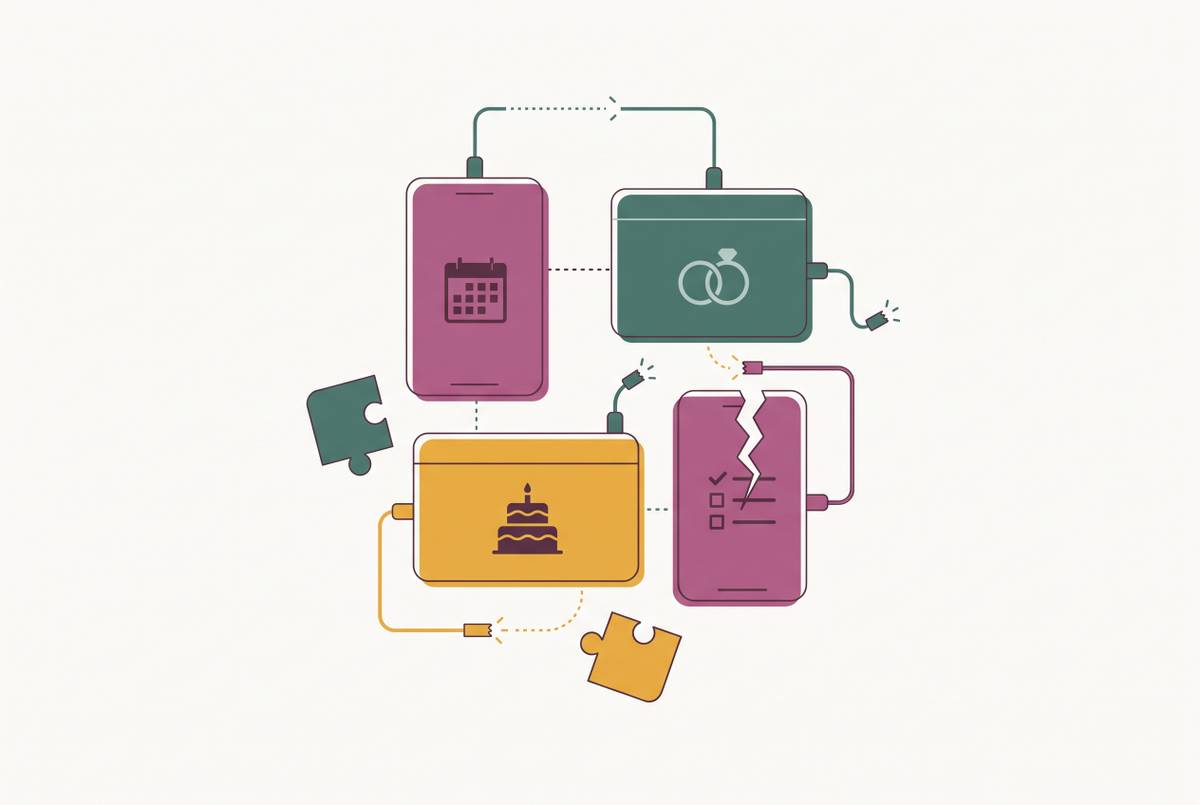
Tab-by-tab drift: how planning tools fragment in practice
A wedding day is a fixed deadline with zero tolerance for missing data. There's no re-entering a guest count at 7am, no chasing a vendor reply mid-ceremony, no reconciling two dietary lists while the caterer waits on final numbers. Fragmented planning tools put couples in exactly that position, and it happens more often than most people realize until they're already living it.
Fragmentation doesn't feel like a problem while the planning is still underway. A guest count sitting in one app, dietary needs tracked in another, seating built in a third: at ten weeks out, that feels manageable. There's time to cross-check things later, or so the thinking goes. But "later" has a habit of turning into the morning of the wedding, and a spreadsheet nobody remembered to share stops being a minor inconvenience. It becomes a coordinator standing at the venue without the one document they actually need.
Picture the coordinator showing up without the dietary list, because it lived in a spreadsheet the couple forgot to forward. The caterer's meal counts are wrong as a result, and somewhere in the room a guest with a severe allergy is seated at a table with no flagged meal. Or picture the seating chart, built off an older guest list export, missing two RSVPs that came in after that export ran. Two guests end up with no seats, and a wedding planner is left scrambling to fix it in real time while everyone else hunts for their table.
Fragmentation is rarely one bad decision. It's a checklist app a friend swore by, a budget spreadsheet a planner handed over, the venue's own PDF floor plan, and a separate form for collecting RSVPs, each one making sense in isolation. None of that looks reckless in the moment. A couple can end up running a checklist app, a spreadsheet, and a planner's PDF all at once, tracking the same tasks three different ways without meaning to.
Volume is the real issue: too many overlapping systems, each holding a slightly different version of the truth. If the guest list lives in three places, every update, a changed RSVP, a new dietary note, a swapped plus-one, has to happen three times to stay accurate. In practice it almost never does. Someone updates the spreadsheet and forgets the app. Someone updates the app and never touches the PDF.
That gap costs time, and the cost compounds. Running one tool for guest communication, another for budget, a third for seating, and a fourth for dietary tracking means hours spent just reconciling those systems against each other, checking that Tool A agrees with Tool B. That reconciliation tax gets worse as the wedding approaches, right when a couple has the least spare time to spend on it.
What the Australian planning app landscape looks like for couples building a connected system
Australian couples have a real mix of options, and each comes with a trade-off to understand before committing to it.
Ivory Lane, a local Australian-built option, keeps budget tracking, guest list, vendor management, timeline, and checklists inside one system, with AI-powered budget forecasting built for Australian couples. It's built for both partners to plan together, and it includes a vendor directory and payment tracker for managing suppliers already booked. It doesn't offer a public vendor discovery marketplace the way some platforms do, and as of mid-2026 it has no native mobile app, which matters if a couple wants to check seating or budget from a phone during a venue walkthrough.
The broader market splits into two camps: general planning platforms built around a wedding website and vendor marketplace, and specialist tools built to do one job well, like budgeting or seating. Very few products do both at a genuinely high level, and that gap pushes many couples to stitch together two separate tools, one for finding vendors, one for the actual planning mechanics.
That combination feels rational, and it's also the exact setup that creates the data gap behind most day-of coordination failures. When the guest list lives in the planning tool and the vendor conversations live somewhere else, nothing forces those two to talk to each other. Couples who treat vendor discovery and planning mechanics as two separate problems solve the wrong problem first. Finding a florist is not the hard part. Keeping the florist's payment status, the caterer's meal count, and the seating chart in sync is.
The seating chart is where fragmented data does its most visible damage
A seating chart is downstream of everything else. That is why it exposes a fragmented system faster than anything. It needs a final, accurate guest list. It needs confirmed RSVPs. It needs dietary and meal selections attached to the right names, and the venue's actual floor plan. A guest count off by two, or a dietary tag that never made it over, appears as a visible hole in the chart, not a quiet rounding error.
Start with the floor plan, before touching any seating software. Ask the venue coordinator directly: what are the room dimensions, where does the dance floor sit, are there pillars or service doors eating into usable space? A seating layout built without confirming how many tables of each size the venue can actually fit will not survive contact with the real room. It looks fine on a screen and falls apart the moment tables get set.
Scale matters too. A typical wedding guest list runs into the dozens to over a hundred, which works out to roughly twelve to fifteen tables at full scale. At that size, one unsynced dietary tag or one missing RSVP costs a guest a seat, or gives someone a plate that doesn't match what they actually ordered. It's a guest with no seat, or a plate that doesn't match what they actually ordered.
The dietary link is where fragmentation bites hardest. Allergies and meal choices need to show up on the seating chart itself, in a format the caterer can read at a glance. When dietary information lives in the RSVP tool and the seating chart gets built as a separate exercise, that connection breaks. Someone has to rebuild it by hand, usually under time pressure, usually close to the wedding, which is the worst possible moment to be doing manual data entry.
The budget tracking gap that creates vendor confusion on the day
Australian weddings average $38,252 in 2026, and couples overshoot their original budget by 23% on average, typically starting around $29,000 and landing much closer to that final figure. Some of that overshoot is unavoidable: a wedding involves a hundred small decisions that each add a little cost. A good chunk of it is a fragmentation problem. When invoices sit in an inbox, payments get tracked in a banking app, and cost estimates live in a spreadsheet, there's no single point where a couple can see the full, true, committed total.
Location adds another layer. New South Wales averages $42,322, while costs in other states can differ meaningfully from that New South Wales benchmark. Couples comparing venues across cities, a Sydney option against a Brisbane one, need tighter tracking, not looser, because the numbers move more and the assumptions from one city don't hold in another.
The vendor confusion this creates on the actual day tends to follow a few familiar patterns:
- A vendor shows up expecting a final payment the couple believed was already settled, because the confusion was sitting in an old email thread rather than a shared system either side could check.
- A contractor arrives with a scope that matches the couple's spreadsheet but not their signed contract, because the comparison happened in one tool and the contract tracking happened in another.
- The day-of coordinator has a full run sheet but zero payment visibility, so there's no way to confirm whether the florist is paid in full or still owed a balance.
That third pattern is the most preventable one, and also the most common. It has nothing to do with how organized a couple is and everything to do with whether payment status lives anywhere the coordinator can actually see it.
What a connected handoff to a day-of coordinator requires
A day-of coordinator can only work with what they're given. Their job is to execute a plan, not reconstruct one from missing pieces, and no amount of experience lets someone recover data that was never handed over.
A complete handoff, ideally landing two to three weeks before the wedding, needs a few things in place. The final guest list should carry dietary tags, meal selections, and seating assignments together, as one document, not three that need cross-referencing at midnight. Every vendor needs a contact, a payment status, and a confirmed scope of work attached to their name. The run sheet needs event timing laid against the venue's floor plan and table layout, so there's no ambiguity about when something happens or where it happens. And the seating chart needs to exist as a printed copy in the hands of the venue manager, the catering lead, and one trusted person working the floor.
That last point gets missed more than it should. On the day, someone other than the couple needs to be the answer desk for seating questions. If a guest can't find their table, there should be a specific person nearby who knows the chart cold, and that person should never be the bride or groom.
Apps handle the administrative load: tracking, chasing vendors, keeping lists organized. They don't replace an experienced coordinator running the room on the day, and they were never built to. But that coordinator is only as good as the data that reaches them. No amount of on-the-day skill fixes a dietary list that never got sent, and no amount of charm talks a caterer out of a meal count that's simply wrong.
Choosing a planning setup that won't create a day-of problem: what Australian couples should look for
The app that looks nicest or has the smoothest interface is the wrong thing to optimize for. What matters is whether information entered in one part of a system actually appears everywhere else it's needed, without someone manually copying it across at 11pm three days before the wedding.
A few questions matter to run against any planning setup before committing to it:
- When a guest RSVPs, does their dietary information reach the seating chart on its own, or does someone have to manually transfer it over?
- When a vendor invoice gets marked paid, does that status appear alongside the run sheet and vendor contact list, or does it sit in a separate payment tracker nobody cross-checks?
- Can a full coordinator handoff (guest list, seating chart, dietary tags, vendor payment status, run sheet) get pulled together from one place, or does assembling that package mean stitching documents from three or four different tools at the last minute?
- If a couple switches tools partway through planning, can the guest list export cleanly as a CSV, or does switching mean re-entering everything by hand?
None of these questions are about features or polish. They're about whether the system a couple builds during planning holds up on the one day it actually gets tested. A tool that looks organized in October but scatters data across five places by the wedding itself hasn't solved the fragmentation. It has just delayed it to the one morning when there's no time left to fix it.