When Disconnected Wedding Apps Cause Real Planning Failures
Data trapped in separate tools turns preventable mishaps into wedding day disasters.
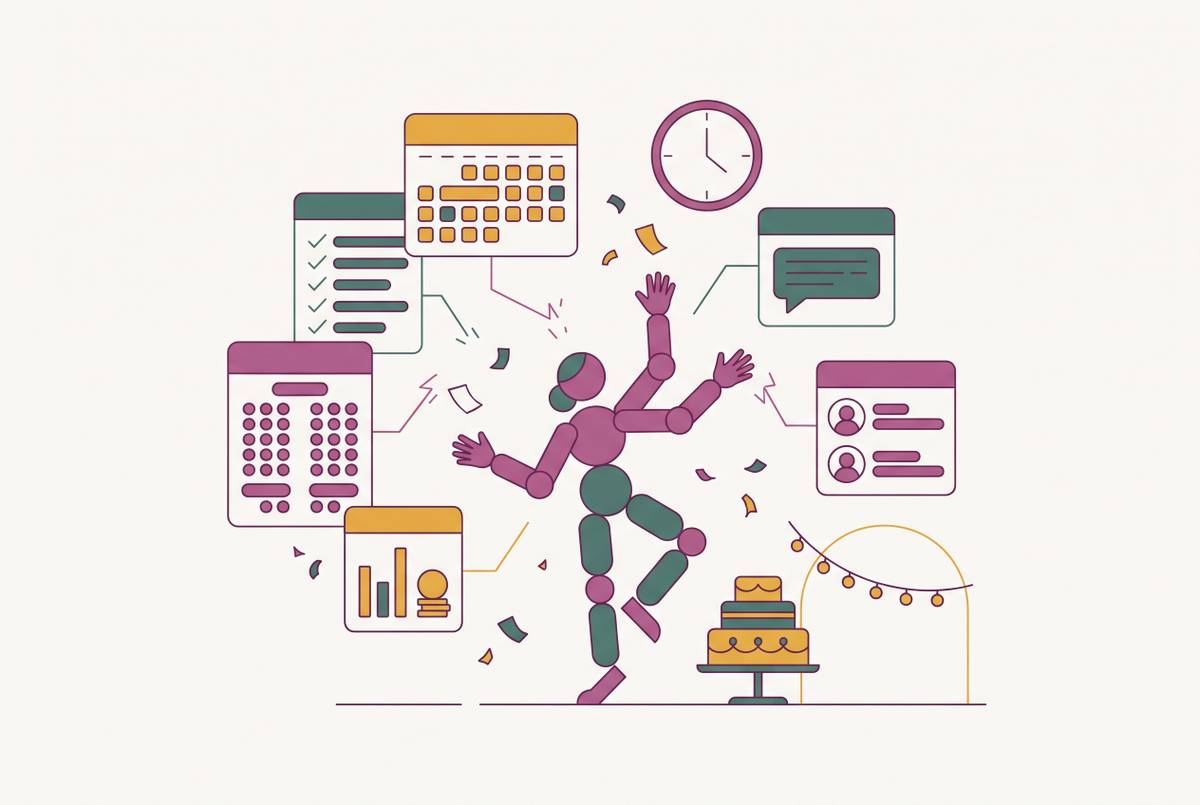
Wedding planning failures rarely come from forgetting something. They come from the handoff between tools, from information that's correct in one place and missing or stale in another. A guest fills out a dietary requirement on the RSVP form, that response sits in an inbox, the seating chart gets built in a separate spreadsheet, and neither one talks to the catering run-sheet. Nobody catches it until the guest with a severe allergy gets the wrong plate on the day. The hole in that system was predictable from the moment the two tools stopped talking to each other.
The typical multi-app wedding planning stack's data gaps
Most couples don't design their planning setup. They stumble into it. Someone searches "best wedding planning apps," downloads two or three, fills the rest of the gaps with a spreadsheet and a group chat on WhatsApp. Each tool got bolted on when the last one couldn't do something. That's a pile, not a plan, and the difference matters more than people think going in.
By six months out, the stack usually looks the same across couples: a wedding website builder for the guest-facing page and RSVPs, a separate spreadsheet or app for the actual guest list, a budget tracker (often a generic finance app, sometimes just a plain spreadsheet), a seating chart tool picked up weeks before the wedding almost as an afterthought, and email or texting for every vendor conversation.
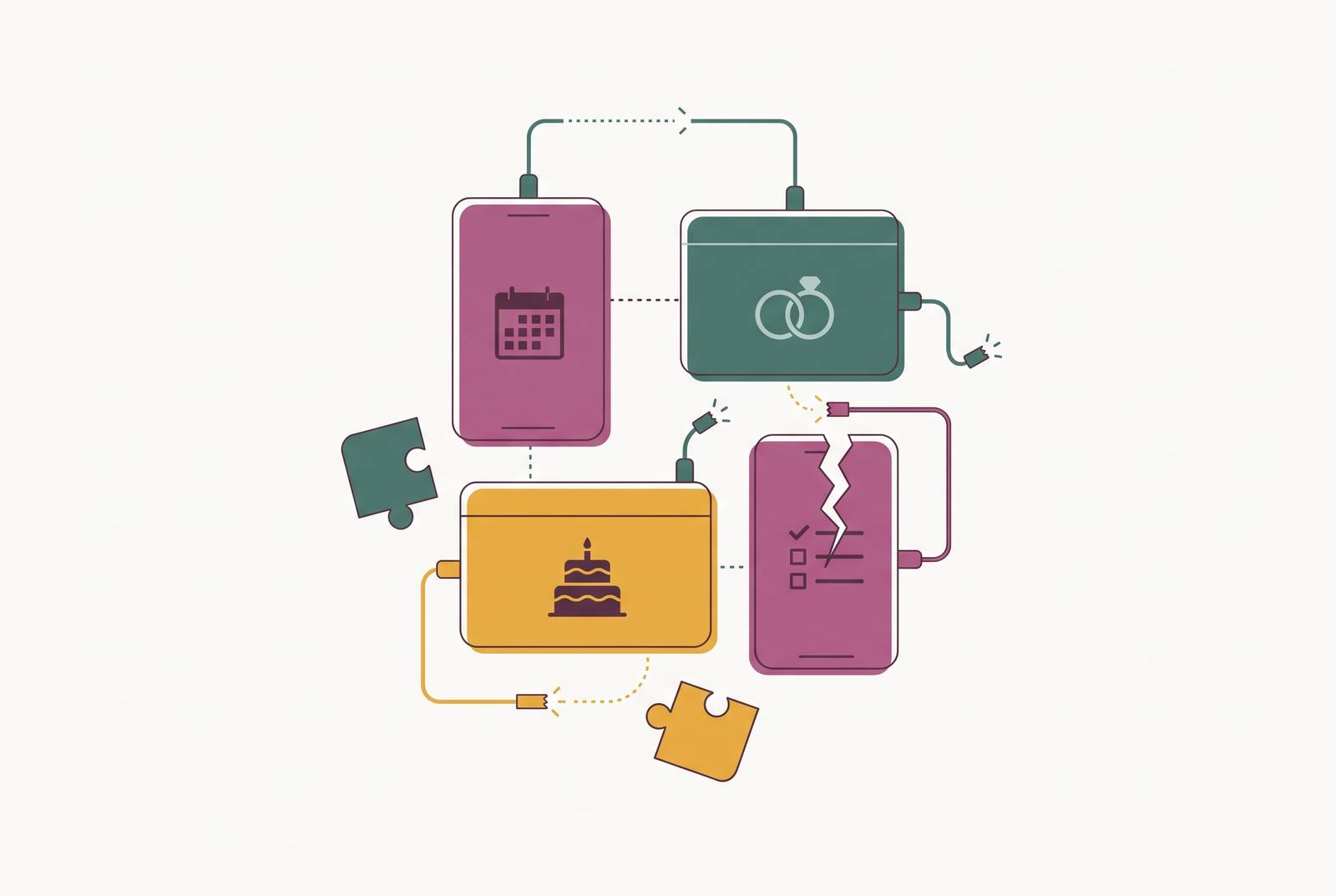
Nearly every couple builds some kind of wedding website, so nearly every couple has at least one platform collecting RSVPs. What happens to that data after it lands is where things go wrong. The gaps sit in four predictable places:
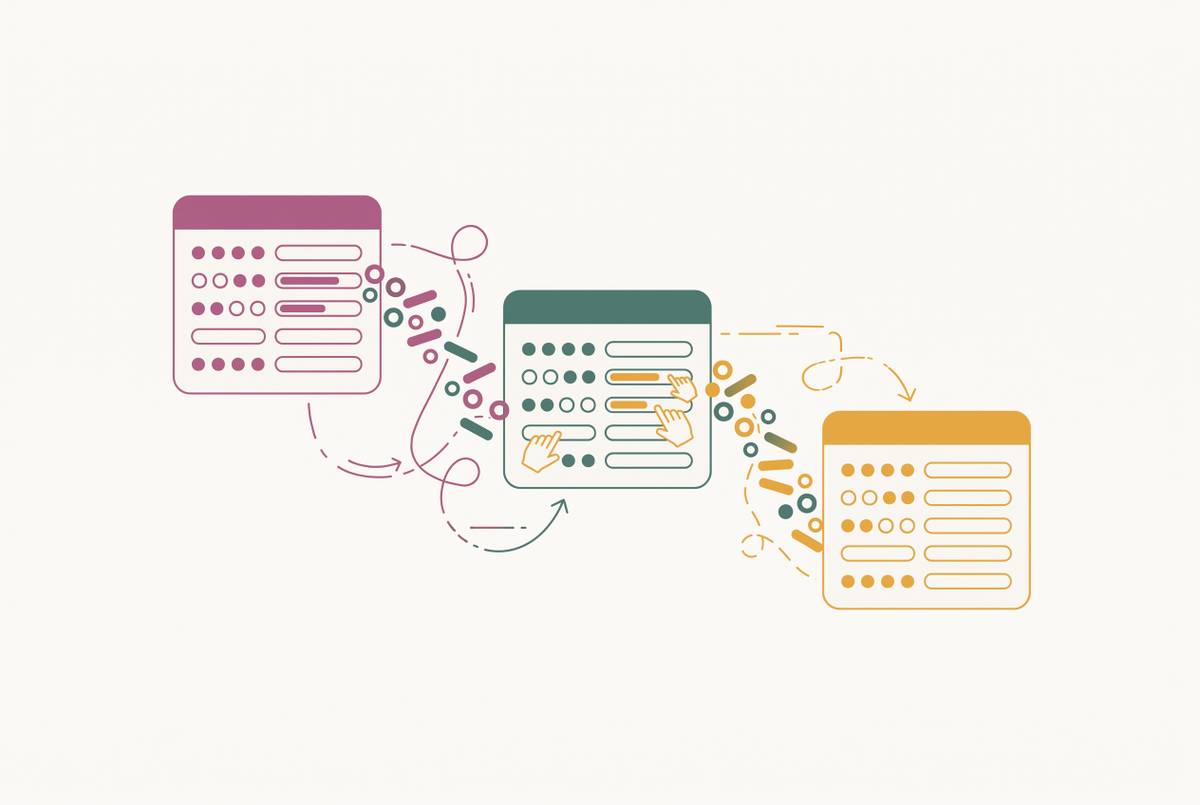
- Between the RSVP form and the guest list, responses arrive as email notifications, not as structured updates to a guest record.
- Between the guest list and the seating chart: dietary tags, attendance status, plus-one confirmations all get re-typed or copy-pasted by hand.
- Between the seating chart and the budget: adding a table doesn't touch the per-head catering estimate anywhere.
- Between vendor quotes and the budget tracker: the actual invoice number lives in an email thread, not in the spreadsheet.
Free tools stay free right up until the couple needs the one feature that would actually close a gap, like a real seating chart or guest messaging. That's usually the exact moment switching costs peak, because the wedding is only weeks out by then. Paid platforms aren't off the hook either. Plenty of them silo data just as badly, because they were never built to talk to anything else.
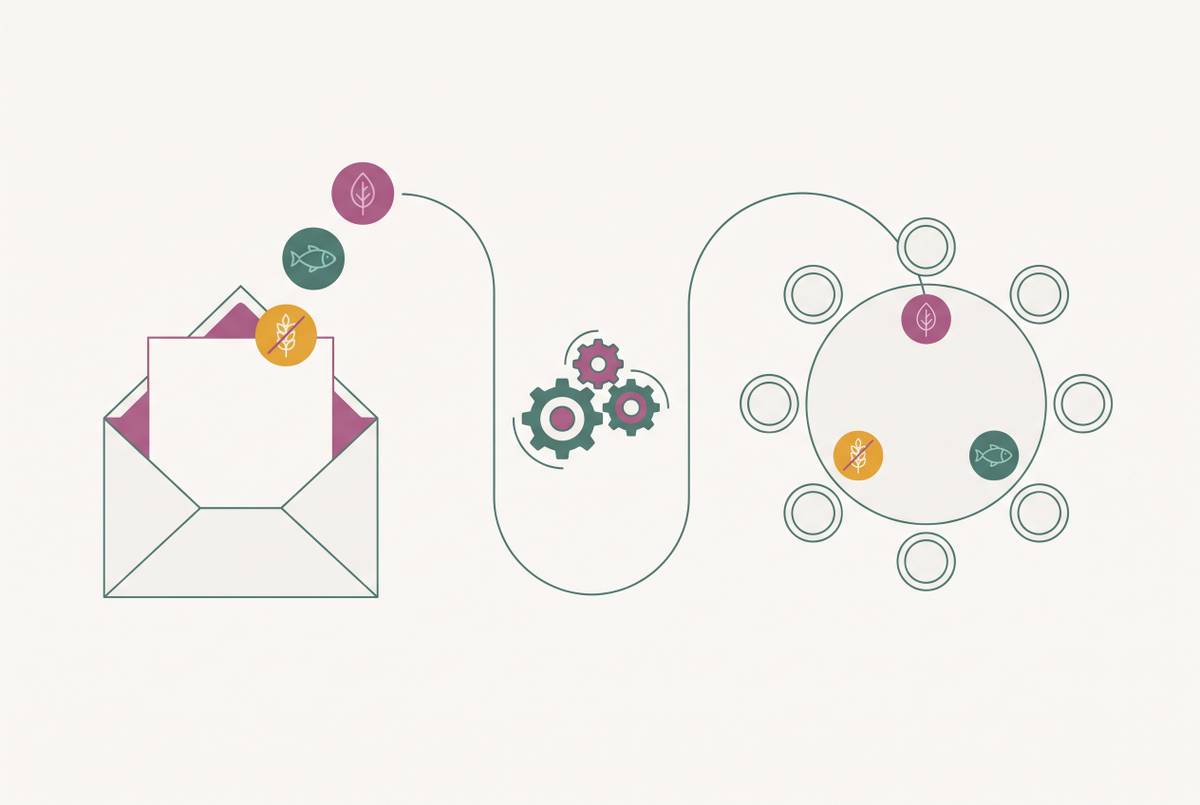
How a missed dietary requirement travels from RSVP to place card to the day itself
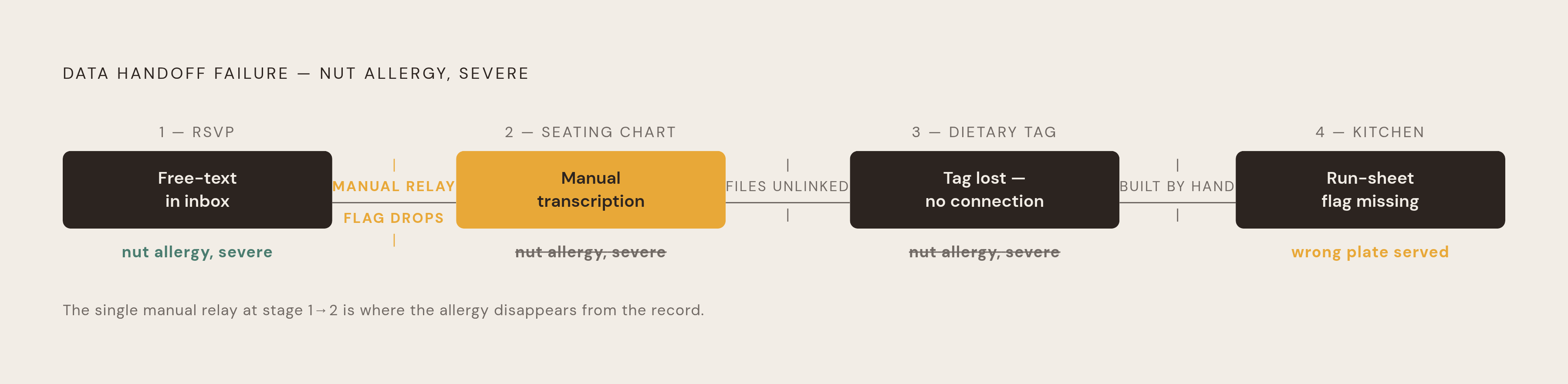
Start at the RSVP. A guest types "nut allergy, severe" into a free-text box on the wedding website. That text sits in an inbox, or maybe a column in a spreadsheet, apart from any tag attached to that guest's record anywhere else. It's just words on a page at that point, nothing more.
Somebody, usually one half of the couple, at midnight, reads every RSVP and manually assigns a dietary category to each guest inside whatever tool builds the seating chart. That's a transcription step, and transcription steps are exactly where mistakes get in.
A second gap sits right behind the first one. The seating chart, built in its own separate tool, shows names next to table numbers. It doesn't carry dietary tags along with it, because the chart and the RSVP data were never the same document to begin with.
The catering team needs one simple thing on the day: table number, guest name, meal choice, dietary flag, all in a single run-sheet or floor plan taped up in the kitchen so servers know which plate goes where without stopping to ask. When the seating chart and the dietary list live in two different files, somebody builds that run-sheet by hand, the week of the wedding, at the exact moment there's no attention left to spare for it.
That's how a guest with a severe allergy ends up at a table where the server has no flag on file. The kitchen defaults to the standard meal. The mistake becomes visible at the table, in front of everyone, at the worst possible moment to fix it.
Checking more carefully isn't the fix here. The fix is a system where the dietary tag entered at RSVP is the same data object that shows up on the seating chart and prints straight onto the run-sheet, with no retyping anywhere along the way.
The seating chart as the point where every upstream gap becomes visible at once
Every earlier mistake appears at once in the seating chart, because the chart has to hold five things true simultaneously: confirmed attendance, dietary needs, household groupings, accessibility requirements, and the venue's actual floor plan.
Past 60 guests, a seating chart keeps service running smoothly. Past 150, it stops being optional.
The floor plan sets the table count and room shape the chart has to follow, so building the chart before the venue confirms those details is just guessing. If the table count or room shape changes after the guest list locks, untangling the mess costs real hours nobody budgeted for. Locking the floor plan six to eight weeks out, before final seating assignments, avoids most of that pain.
Venue quirks add another layer most couples don't see coming. Some venues restrict floor easels, wall fixings, or display boards, so a chart printed in portrait when the easel mount is landscape becomes a completely avoidable mess discovered the night before the wedding. Confirming display setup with the venue coordinator well ahead of ordering any prints prevents that problem.
Guest lists that span different cultural backgrounds, languages, and social circles need more careful grouping, and that kind of deliberate arrangement gets a lot harder when the guest data and the seating tool are two separate files that never talk to each other.
When the upstream data is wrong, the damage lands here first. A guest marked "attending" who never actually confirmed takes a seat that clashes with someone's dietary arrangement. A late RSVP change means reopening the seating chart, manually rechecking dietary tags, and re-exporting the run-sheet: three separate tools, three separate updates, every single time something shifts.
There's a spatial calculation couples routinely get wrong too. Usable floor space needs a 20 to 25% buffer for aisles, service paths, and structural elements. A 150-guest dinner in round-table banquet style needs approximately 1,800 square feet of actual seating field, with the room itself running roughly 2,200 to 2,400 square feet gross once non-seating areas are accounted for. None of that math holds up if the guest count feeding it is wrong, and RSVP reconciliation is what produces that guest count.
How budget disconnection turns into overspend nobody sees coming
Budget gaps are timing gaps dressed up as math problems. A vendor quote lands by email, the couple mentally checks it off as handled, but if it never gets entered into an actual tracker, the running total on the page is fiction from that point forward.
Australian wedding costs make this an expensive thing to get wrong. The national average is somewhere around $36,000 to $38,000, with Sydney running closer to $42,000 and Adelaide nearer $33,000. Against numbers that size, a handful of untracked invoices adds up to real money missing from the picture, not a rounding error.
Take a caterer quote as the clearest example. A couple logs the initial number, then the final invoice comes in different, which happens constantly with catering once head counts shift. The tracker still shows the old quote. Nobody notices the gap until the bank balance gets checked after the wedding, and by then it's just a number to absorb, not a decision anyone gets to make.
A second version of the same problem occurs with seating. Adding a table to the chart raises the per-head catering cost, but if the budget tool has no idea what the seating chart says, that cost never recalculates on its own.
The common advice to run one app for finding vendors and a separate one for budgeting is a real workaround, though a workaround isn't the same thing as a fix. Every time an invoice amount gets typed from one tool into the other by hand, that's another spot where the number can drift, and drift compounds over a twelve-month planning window.
A properly connected budget tool behaves differently. Enter an invoice against a vendor and the committed spend total updates on its own. If the confirmed guest count changes, per-head costs recalculate without anyone opening a calculator. Actual spend against estimate is just visible, with no manual reconciliation required.
Why the "just use two apps" advice creates its own compounding problems
Splitting tools, one for finding vendors, one for planning and budget, counts as genuine, reasonable advice. No single app does everything well, and pretending otherwise helps nobody plan an actual wedding.
The split works fine when the couple stays disciplined about the handoff between the two. Find a vendor in one tool, carry the details over to the planning tool, and the setup holds. It breaks the moment that handoff gets skipped. If vendor details found in tool one never make it into tool two, the budget tracker has no record that vendor exists, and whatever comparison shopping happened is just gone.
Adding a third tool means the problem doesn't grow in a straight line. It compounds. Every additional tool is another gap: data entered in tool A has to get checked against tool B and reconciled with tool C, and the more tools stack up, the more moments exist for something to slip through unnoticed.
The free-tier unlock pattern makes this worse. A couple builds the whole guest list inside app A because it's free, then finds out the seating chart feature needs a paid upgrade. So they switch to app B just for seating. The guest list now has to be migrated or duplicated, right in the middle of planning, exactly the wrong moment to risk a data entry error.
Generic planning checklists carry a version of the same flaw. A checklist built around a fixed timeline sounds reasonable in the abstract, but it has no idea what the couple's actual booking status is. A checklist disconnected from the couple's real data can only ever guess at what they actually need next.
Two apps isn't the wrong call on its own. The gap between them needs active management, and most couples have no idea that gap exists until something falls straight through it.
What a connected planning system looks like in practice
A connected system has one defining trait: data entered once moves forward on its own, with nobody retyping it a second time. An RSVP response updates the guest list, the guest list feeds the seating chart, the seating chart informs the catering run-sheet and prints the table cards, and none of it needs a human relay in the middle.
A late RSVP change, and these happen constantly in the final two or three weeks, should get made in one place and show up correctly everywhere downstream (dietary tags, seating, run-sheet) inside the same sitting. That's a fair test for any tool under consideration. If the answer involves opening a second tool to update anything, the tool isn't connected. It just sits next to the other one, pretending.
A connected budget works the same way. Enter an invoice against a vendor and the committed total updates. If the confirmed guest count changes, the per-head line items recalculate automatically. Actual spend against estimate stays visible any time, without a separate spreadsheet to check against.
A connected wedding website follows the same logic. It acts as the front end of the same guest list, not a separate thing bolted on next to it, so an RSVP submitted there arrives as a structured record (name, attendance, dietary requirement, plus-one status) instead of a notification email waiting to get typed up somewhere else. Some platforms, such as Wedbuild, a self-serve wedding planning app that keeps a couple's website, guest list, RSVPs, seating chart, and budget as one continuous data flow rather than separate tools, are built specifically around this idea.
A couple of tools now go after these connection points directly. SeatPlan.io lets a couple import a venue photo or PDF straight into an AI floor plan and seating designer, with a free import available and no signup required. Guesticon links RSVP management to drag-and-drop seating and offers a genuinely free tier.
How to audit the tools you're already using, and decide whether to consolidate
Run this question against every tool currently in the stack: what data does it produce, and where does that data go next? If the honest answer involves copying it into another tool by hand, that's a gap, full stop.
Check these four spots first, above everything else:
- RSVP responses to guest list: is dietary information arriving as a structured field, or as free text buried in an email?
- Guest list to seating chart: does a confirmed attendance change flow through automatically, or does someone have to re-enter it by hand?
- Seating chart to catering run-sheet: can the chart export with dietary tags attached per table, or does someone build that run-sheet from scratch?
- Vendor invoices to budget tracker: are final invoice amounts, not just the original quotes, actually recorded, with the total updating on its own?
Find two or more of those gaps in the current setup, and the cost of manually reconciling everything, in time, stress, and plain error risk, ends up higher than the cost of switching to a connected platform before the seating chart phase even starts. That cost sets the threshold. Below it, patch what's already there. Above it, switching earlier beats switching later, because every week closer to the wedding raises the price of moving data around.
If the tools already talk to each other, if RSVPs feed a live guest list and dietary tags carry straight through to seating without anyone retyping a thing, then which brand of app matters far less than whether the connection actually exists. That's the whole test, not which app has the nicest interface, but whether the data moves on its own, without a person standing in the middle catching every drop by hand.