Automatic Dietary Requirement Sync From RSVP to Seating Chart Reviewed
Dietary details collected at RSVP too often vanish before reaching the caterer's kitchen.

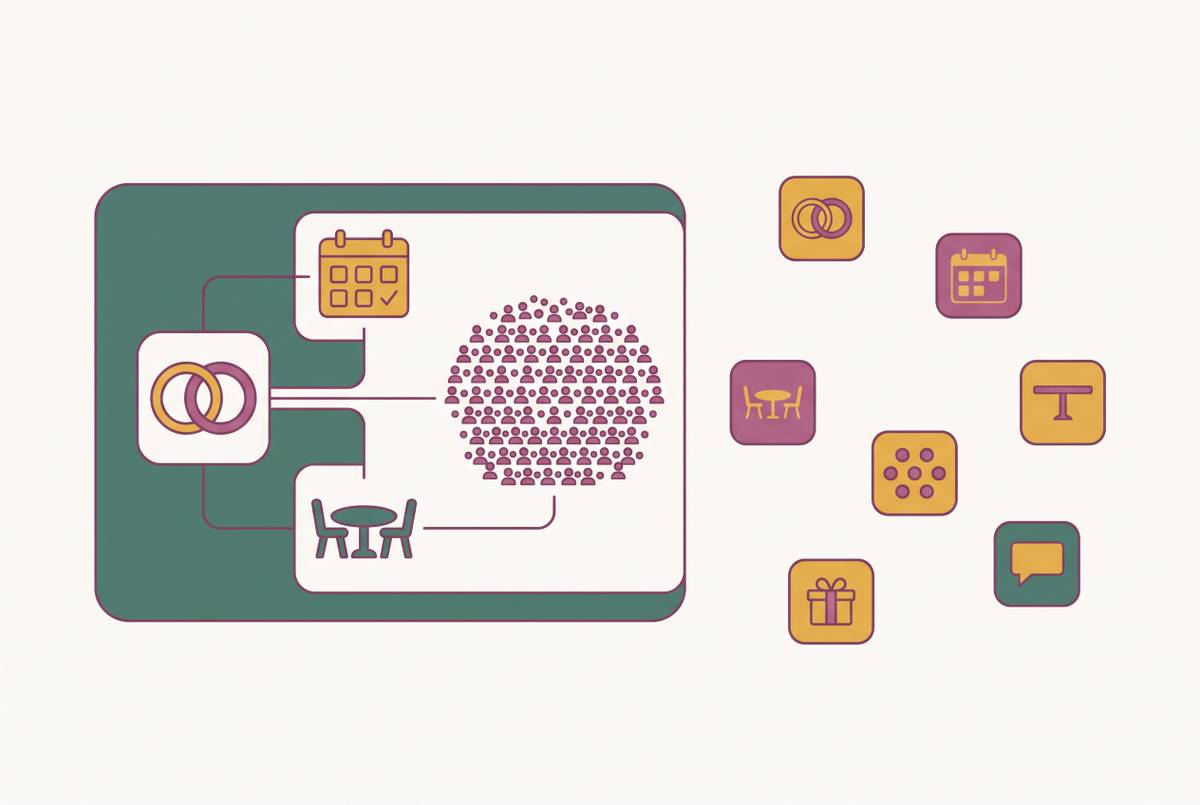
Automatic dietary requirement sync from RSVP to seating chart is only useful if it removes the need to copy and reconcile guest information. This review examines that chain, from the first meal choice to the caterer’s day sheet. The conclusion is straightforward. Dietary details collected online must stay with the guest when seats are assigned, meals are counted and plans change.
Why dietary data collected at RSVP so rarely reaches the caterer intact
The problem usually becomes clear when a couple tries to produce the caterer’s final count. The RSVP responses say one thing, the seating chart says another, and the catering spreadsheet is missing a dietary note. The guest had been asked about allergies. Their answer was lost when it was copied between documents. By this point, Australian caterers and venue coordinators typically need a finalised seating plan with dietary details, so the couple has to resolve the mismatch under pressure.
A paper card, generic form or email collects the answer, which someone then copies into a spreadsheet, seating chart and caterer document. That creates three or more copies going stale at different rates. A nut allergy can be lost, shortened beyond usefulness or assigned to the wrong table during those transfers. Treating this only as a lapse in attention misses the structural problem, because disconnected tools leave manual reconciliation as the only way to keep records aligned.
What end-to-end dietary sync actually requires, step by step
The first check is whether the tool separates attendance, meal choice per course, dietary category and severe allergies rather than putting everything into one open text field. Categories can include vegan, gluten-free, halal, kosher and lactose intolerant, while a separate severe-allergy flag makes that information distinct. Structure does the work at this stage. An answer such as “I have some food things” still leaves the couple needing to establish what the kitchen must prepare.
The second check is where those answers land. Each response should create or update a structured guest record automatically, with the guest’s name, attendance status, meal choice, dietary notes and allergy flag. The same should happen with a plus-one’s details, including their own meal and allergies. The couple should not have to type the answers again.
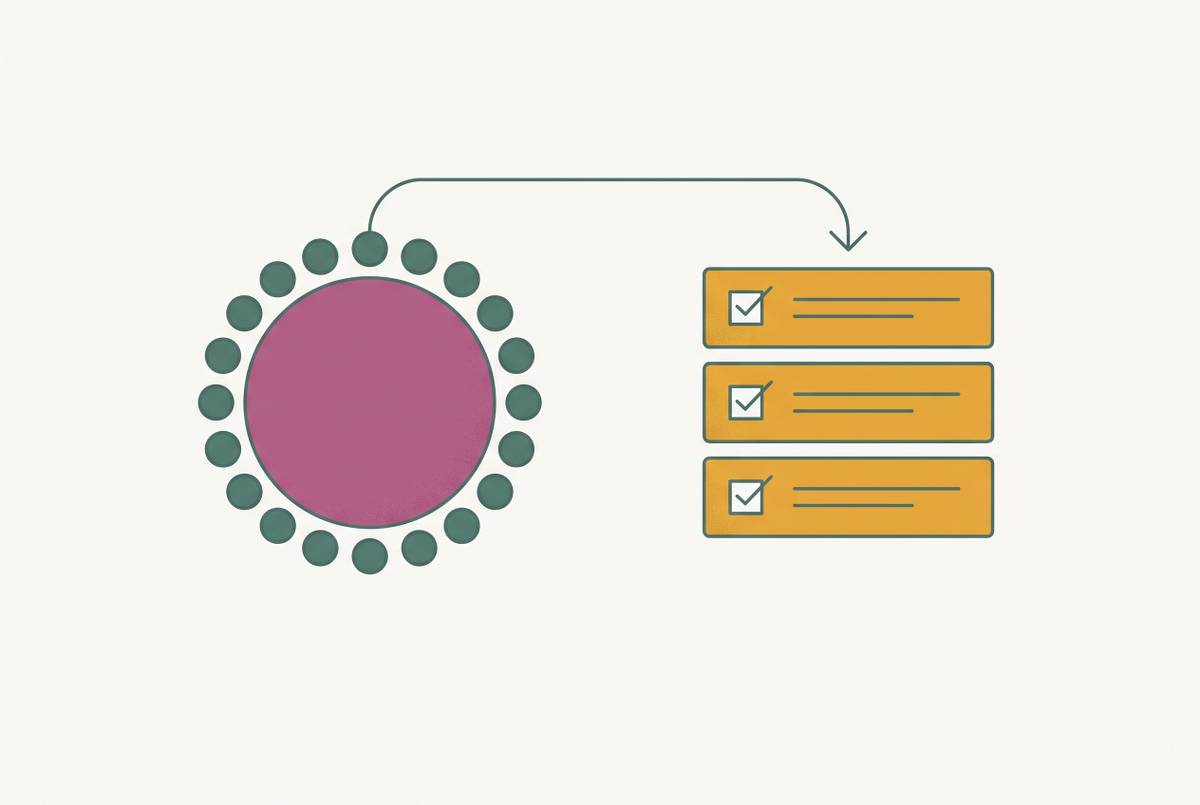
The third check is the seating chart connection. When a guest is dragged to a table, their dietary information should appear next to their name because the chart draws from the live guest list. A separate document to cross-reference does not meet that test. The fourth check is the caterer export, which must turn those records into a usable guest-by-guest list. A tool can have a clear seating view and still fall short if the caterer cannot use its output.
The fifth check is what happens after an answer changes. The guest list, seating chart, meal counts and budget should all update automatically, without anyone having to type the new answer again. This is the decisive link in the chain. A system that handles the first response but needs manual repairs after the second has only automated the easy part. Together, these checks provide a practical benchmark for any tool, regardless of how broadly it advertises its features.
How service style changes how critical the sync chain is
Meal selections must be collected weeks ahead, and the caterer needs to know the total for each dish and which guest at which seat receives each plate. A mismatch can therefore send the wrong meal to the wrong person during service. A lost allergy note or incorrect table assignment can expose a guest with anaphylaxis to medical risk.
Buffet and family-style service ease some of that pressure because guests have more scope to customise their plates, and dietary accommodations can be labelled at the serving station. Dietary collection is still necessary for safe preparation. What changes is the precision required between the seating chart and plate delivery. Couples planning plated service for more than a small gathering therefore have the strongest case for fully automated sync.
The same distinction affects spending as well as service. Across major cities, Australian plated catering costs more per head on average than buffet, and in Sydney it costs $130–$220 per head in 2026. Dietary counts affect ingredient sourcing, preparation time and cross-contamination controls. Wrong counts can change how much the couple has to spend. The seating connection is part of the kitchen’s preparation work.
Where the sync chain breaks in practice: the late RSVP and the changed response
Consider a guest who texts a meal change three days before the wedding. In a disconnected setup, recording that message in the RSVP file does nothing to the seating chart or the caterer’s document. The couple has to update each copy on its own, with little time left. The couple may have the correct answer on their phone while the kitchen still has the old one. In a connected system, one update to the guest record should propagate through the planning views and counts, although the caterer still needs the revised handoff.
A late RSVP creates a different timing problem. Dietary details need to reach the caterer before the menu and ingredient purchases are finalised, typically at least two weeks before the event. A response after that point forces a manual workflow through updated catering documents, a new seating export and another check of allergy flags. Knowing that the guest is coming is insufficient. When following up on late responses, ask about dietary needs as well as whether the guest is coming.
If a guest adds a plus-one after the initial response, that person’s meal choice and allergies must enter the records from scratch. In a manual workflow, this means a new row in every relevant document. The worst version is a plus-one arriving at the venue with a nut allergy nobody recorded.
These scenarios expose two separate limits of automation. A live guest list can remove the repeated updates, but only once the new information reaches the shared record. A text message outside that record still needs to be reflected in it. An export already sent to the caterer still has the old details even when the planning dashboard has changed. The connected system must produce an up-to-date export, and the handoff must account for the revision.
How connected platforms handle dietary sync in practice
The Private Wedding App brings the main stages into one connected workflow. Guests reply through a private digital invitation, where they choose meals per course, give their dietary needs and note severe allergies, with no app to install. Their answers land in a live guest list automatically. The same information updates the seating chart and headcounts in real time. Against the benchmark above, this connects structured collection to the records used for seating rather than leaving the couple to move responses between tools.
The app also describes what happens when a guest changes their response. The dashboard, guest list, meal counts, allergy list and seating plan all update on their own. Its caterer day sheet shows the final counts, the number of plates for each meal choice and an allergy roster by table. That gives the shared records a defined service output. Pricing is $19.99/month or a one-off lifetime purchase, and a 3-day free trial is available.
RSVP'd takes a broader event-coordination approach. It provides a guest list with personalised RSVP links, dietary tracking, plus-one logic and live counts that update the seating chart, budget and day-of headcount. Guests can RSVP with one tap without an account. Imports can come from CSV, Google Contacts or pasted information with AI parsing. The platform also covers AI vendor coordination and the day-of timeline, extending its scope beyond guest-list management.
The two descriptions support different levels of comparison. The app explicitly identifies a caterer day sheet and its contents, while the broader event-coordination platform’s supplied description establishes dietary tracking and connected counts without specifying an equivalent export format. That is a gap in the available detail, leaving open whether the feature is present. For evaluation, the key distinction remains how dietary information is stored. A requirement embedded in the guest record can follow that guest into seating, while a note or tag that needs manual surfacing leaves work between collection and service.
What to give the caterer, and in what format
At the handoff, the practical task is to give the caterer a service document. Provide the final headcount, each guest’s meal choice, dietary requirements, separately flagged severe allergies and children’s meals. These details are typically required one to two weeks before the wedding. A verbal summary is not enough for plated service. “One vegan, two coeliacs” gives the kitchen quantities without identifying where those meals need to go.
Use a structured list with one row per guest. The columns should include name, table, meal choice, dietary category and a separate severe-allergy flag, so the caterer can prepare per-table briefings. Keeping allergies separate makes them easy to see, so no one has to work out what they mean from a general notes field. The table assignment gives each requirement a service location.
For the place settings, request a menu card per guest, or at minimum a menu card per dietary category per table. When negotiating with the caterer, explicitly discuss having each card clearly label the dietary designations satisfied by each dish. Grouping guests with similar dietary needs can also simplify service and help them feel considered when different meals arrive. That seating choice supports the handoff without replacing the need for individual guest records.
On the wedding morning, the couple and venue coordinator can see allergy flags in the dietary labels in the seating tool’s table view, without opening another document. That is more useful than a chart that requires a separate export simply to locate an allergy. The delivered document still needs attention when responses change. Confirm dietary details with the caterer multiple times in the lead-up, rather than treating the first submission as the end of the process. At each check, use an up-to-date export so both sides are working from the same details.
The difference between digitising the problem and actually solving it
An online form can make responses easier to read while leaving the hardest work untouched. If those answers still have to be copied into a seating chart and catering document, the couple has to keep the separate records in step. The average guest-list spreadsheet grows to 14-plus columns before couples give up on it. Columns for allergies, dietary categories, plus-one requirements and tables give those facts a place in the spreadsheet, but the facts still have to be copied between tools.
When evaluating a tool, test a late change by asking how many documents would need manual updating if a guest changed their meal choice three days before the wedding. The target is zero manual document updates. Then distinguish that from the separate need to send the caterer a current export and confirm the revised details. For Australian couples planning plated service with a deadline for final counts, that distinction helps them find a tool that does the work of keeping records in step instead of just making that work look tidier on screen.