How Unified Wedding Platforms Eliminate the Allergy-to-Table-Assignment Gap
Connected platforms keep dietary needs linked to guests from RSVP through seating chart.
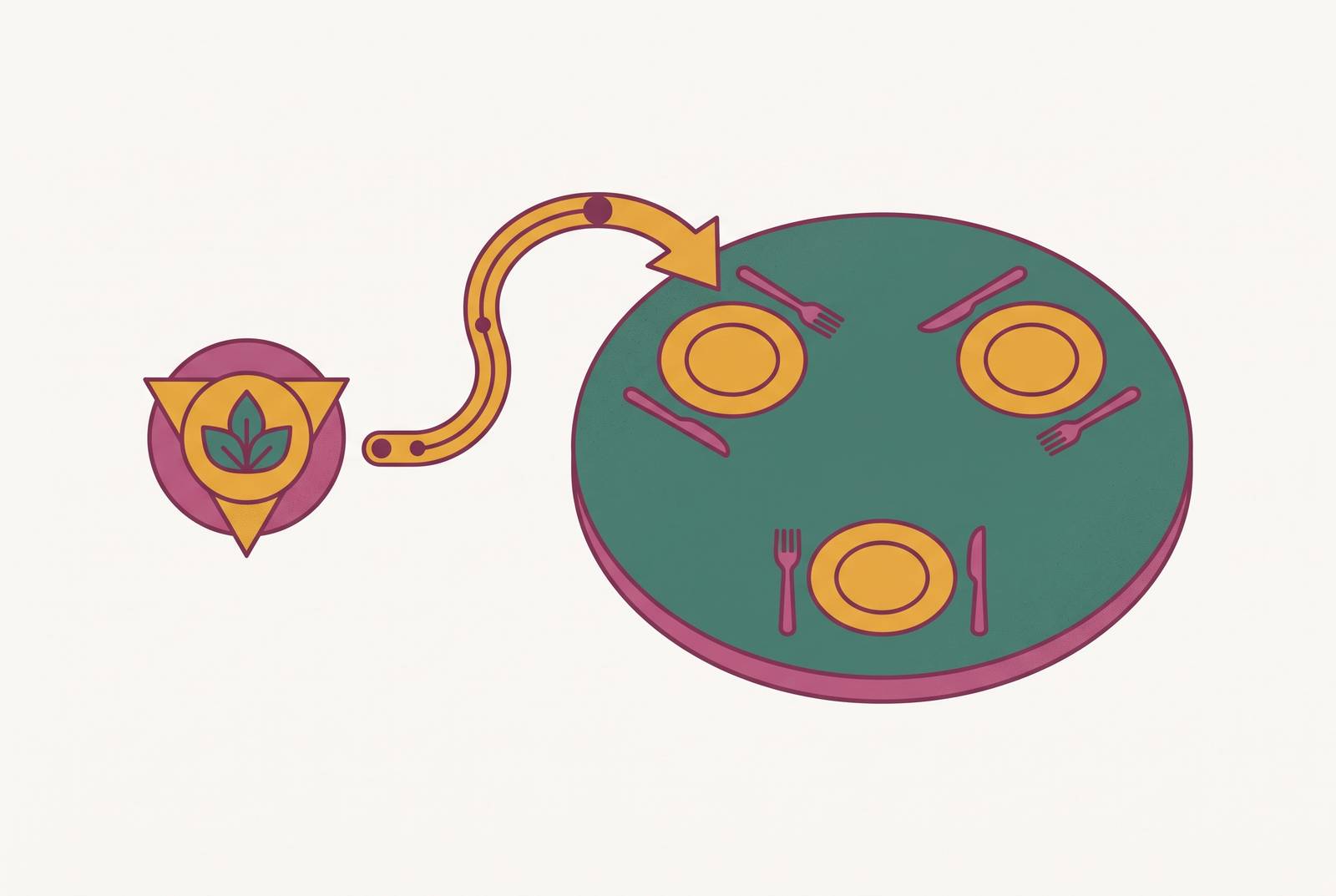
Unified wedding platforms close the allergy-to-table-assignment gap by keeping each guest’s dietary requirements with them from RSVP to seating chart. The benefit is removing the manual transfer that breaks down as guest lists grow beyond 40 people, so the venue receives dietary information matched to the right seats.
Why the allergy-to-table gap exists and what causes it to widen
The spreadsheet has the guest’s name, but their dietary requirement is scribbled in the margin of a printed copy. Then the spreadsheet gets duplicated and sent to the caterer without the note. The answer was collected, then lost in transit. That is the allergy-to-table gap, and it begins well before anyone serves a meal. The couple has asked the right question, but the answer has not travelled with the guest.
The chain runs from the RSVP response to the guest list record and then to the seating chart position. When the tools are separate, someone has to copy or cross-check the information at each step. Collecting names is the easy part of that process. Keeping a dietary requirement attached to the right person through every change, until the kitchen receives it in a useful form, is harder. A complete RSVP form does not mean the seating document is complete.
Australian wedding guests may need vegetarian, vegan, gluten-free, dairy-free, halal, kosher, nut-free or low-FODMAP meals. A general note that there are “special meals” does not preserve the link between each requirement and the guest’s seat. Timing makes the weakness harder to contain. Caterers in Sydney, Melbourne, Brisbane and Perth usually need final numbers two to three weeks before the event, so the records must be checked against each other sooner.
Late disclosures expose what the earlier handoffs have missed. A planner might call 48 hours out because the groom’s cousin’s partner has just disclosed a coeliac condition. If the seating chart is already printed, updating the original RSVP record alone cannot close the gap cleanly.
How the guest list grows complex faster than manual tracking can handle
With a small guest list, reconciling replies and dietary notes by hand can be reasonable. Above 40 people, however, the task becomes harder to contain because the couple is tracking relationships between details. Each reply needs a link to whether the guest is coming, their dietary requirements and their seat. A change to one can require checking the others. The workload grows with the connections between records.
For a 120-guest wedding, the dietary tally is likely to include multiple vegetarians, vegans, gluten-free guests and people with other specific requirements. That tally is not knowable when the RSVP form is designed. An unnamed partner is a potential dietary requirement that was absent from the original guest list. When they reply, their answer must feed into the seating process just like everyone else’s.
Late RSVPs disrupt work that has already begun. Once a couple starts seating guests, a new response requires checking both where the person will sit and whether their dietary information has reached the chart. In a manual setup, that requires another reconciliation pass. The spreadsheet can hold the information, but someone still has to keep the separate copies in sync.
The consequence falls on the guest at the table. They may arrive to find no seat for their partner or a menu that does not accommodate their dietary need. Correct RSVP fields help prevent those failures, but only when the answers travel through to the chart. Caterers at premium venues in the Barossa Valley, Noosa and the Blue Mountains are equipped to handle complex requirements. What they need is accurate, organised information in time to act on it.
What "connected" actually means in a unified wedding platform
A connected platform treats RSVP answers, guest details and seating positions as parts of the same record. A dietary flag entered at RSVP is visible wherever that guest appears, including the seating chart. Nobody has to copy the information from one view to another. That shared record is the structural difference between a unified system and a collection of planning features.
The flow is easy to picture with a gluten-free requirement. First, the guest submits it with their RSVP, which updates their guest list record. When that guest is assigned a seat, the chart reflects the requirement at their position. The couple can then produce a dietary-accurate seating document for the venue without reconciling another file. The sequence runs from RSVP to guest list to seating chart to venue document.
A later change provides the clearest test of that connection. If the guest updates their dietary requirement after the RSVP deadline, the seating chart should reflect the change automatically. Nobody should have to find and change three separate files. A printed chart, however, is still a snapshot of the information when it was produced. Automatic syncing removes the internal transfer work, while the couple still needs to give the venue a current document.
Venue and catering is the largest category in the average Australian wedding budget, so confirmed numbers affect the total calculated from the per-head cost. A connected budget planner updates those figures so the couple does not have to make the same changes elsewhere. On the wedding day, a QR seat finder can be the final output of the guest-data chain. Guests find their seats through the records that hold their dietary requirements, with no need to keep another list up to date.
Where other planning tools handle the dietary-to-seating handoff and where they don't
Most wedding planning tools offer RSVP collection or seating design, but very few automatically connect the full dietary-to-seating chain. Having both features in one product does not mean they share the data. A seating chart can be useful without inheriting dietary answers. The distinction is between what a tool helps the couple create and what it keeps aligned when information changes.
Stellanza offers a browser-based, drag-and-drop seating chart with no installation required. It is free to use and has a paid Premium tier that adds automatic seating suggestions through a rule-based solver. Those suggestions group families, keep conflict guests apart and seat VIPs at the head table. This addresses the problem of arranging people in a room. It does not, by itself, establish whether a dietary update travels automatically from an RSVP response to the assigned seat.
Stellanza also uses one account per wedding, with no separate partner logins yet. Its international scope and lack of Australian-specific pricing or vendor data concern local planning context, while the account arrangement concerns access.
A spreadsheet can bridge a missing handoff, which makes the objection understandable. The first transfer may take only an hour. But that work returns when a late RSVP arrives, a dietary requirement changes or a table is reorganised. Each time, the separate records could fall out of sync. The comparison is therefore not between software and a spreadsheet’s ability to hold notes, but between a connection that persists and a transfer that someone must keep repeating.
The practical timeline for locking dietary data before the seating chart is built
For couples putting that distinction into practice, the sequence begins with an RSVP deadline at least three weeks before the wedding. A full week needs to be built in for seating chart design. That leaves time to work with replies rather than arranging tables around an incomplete list. With separate tools, couples have to do the first big check that the form and the guest list match when RSVPs close. In a connected system, the dietary answers are already attached to the guests who need seats.
The caterer’s deadline must also fit into that sequence. Because final numbers are typically required two to three weeks before the event, an RSVP deadline exactly three weeks out may leave little room before the venue needs its tally. The venue’s actual deadline therefore governs how early the information must be ready. The seating-design week cannot be treated as permission to delay the catering count. Separate tools require another check at this point to make sure the confirmed guests and their requirements agree.
In a connected setup, moving a guest does not require separately moving their dietary note. In a disconnected setup, the couple must check that the new seating position and the catering information still match. Flexibility at each table is important because the chart must absorb late changes.
The seven-day venue send is a further handoff after the earlier final-numbers deadline has been met. With separate tools, preparing it means pulling dietary data from the RSVP tool, cross-referencing the guest list and reconciling both with the seating chart. A connected setup produces the document from one shared record. The export is simpler because the alignment has already happened. The couple is not rebuilding the link between a guest and their meal requirement immediately before sending it.
At least one last-minute dietary change should be expected in the final 72 hours before the ceremony. A connected system can absorb that update internally, while any document already sent still needs to reflect the current information. Planning must allow for dietary changes after the RSVP deadline. A budget buffer is also recommended for hidden fees and surcharges absent from initial quotes. At premium-venue per-head costs, mishandling a dietary requirement is not a trivial planning error.
What Australian couples should look for when evaluating whether a tool actually closes the gap
Couples evaluating a tool should ask whether a dietary update submitted after an RSVP automatically changes the seating chart, or whether someone must find and edit it separately. That question cuts through the promise of “RSVP and seating in one place”. It tests the handoff itself rather than the presence of two screens. If the transfer still depends on a person, the gap remains.
Access is the next part of that test. Couples should ask whether both partners can access and edit the same guest list and seating chart simultaneously, or whether one person becomes the single point of failure for dietary data. They should also ask whether the catering total updates automatically as guests confirm, using the number of guests and the per-head cost. A chart can be current while the budget is still based on an older headcount.
Couples should ask whether the chart can be exported or shared as a dietary-accurate document, without annotating a separate file for the caterer. For Australian weddings, couples should also check whether the tool uses Australian pricing benchmarks and AUD rather than figures that need manual adjustment from USD or GBP. Local venue categories and seasonal planning norms belong in that assessment too.
Free-to-start access gives couples room to assess the workflow before committing money. Couples still need to know what they must pay for, especially if they have to upgrade to use the seating features before they can test the full connection. Beyond pricing, the right tool is one the couple will actually open throughout planning. Dietary tracking and seating design need to sit with the checklist, budget and invitations.
The practical next step is to test a dietary update before committing to a planning system. The test follows it from the RSVP answer to the guest record, the assigned seat and the venue document. That single change reveals more than a long feature list. The tool earns its place when the information reaches each destination without the couple having to carry it there by hand.