All-in-One Wedding Platforms vs Separate Apps for 100 Plus Guests
Scaling past 100 guests exposes the gaps between disconnected planning tools.
How the patchwork-of-apps approach cracks
As Australian weddings grow in scale, many now reach or exceed 100 guests, and at that size, the planning job changes shape. Below 50 guests, most couples can hold the whole event in their head: who's coming, who eats what, where a particular relative sits. Past 100, that mental model breaks down, and the real question becomes whether the tools a couple uses talk to each other or force someone to do the talking by hand.
Most couples don't choose a planning system. They end up with one by accident, piece by piece.
It starts with a wedding website builder, because that's the first thing anyone needs: a place to send guests for the date, the venue, and an RSVP form. Then comes a checklist app, because a website builder won't tell you when to book the florist. A budget tracker gets added next, often just a spreadsheet, because nobody trusts a wedding company's built-in budget tool to stay neutral. Somewhere around month three, a seating chart tool joins the pile, usually a totally different product from everything else, because seating turns out to be its own puzzle. Vendor conversations happen over email and text, scattered across a dozen threads with no home.
Each piece of that stack is usually good at its one job. That's why couples build it this way: starting free across five different tools feels safer than committing to one platform early, and no single app has to be perfect, just decent at its slice.
Not the tools themselves, but the seams between them break. An RSVP submitted through the wedding website doesn't update the seating chart sitting in a separate app, because the two products have no reason to know about each other. A dietary note a guest types into an RSVP form has to get copied by hand into the seating plan, then copied again into whatever document eventually reaches the caterer. Every copy is a chance to drop a detail. A guest who cancels two weeks out, whose partner adds a nut allergy in the same message, needs that change reflected in three or four places at once, and nothing pushes it there automatically.
By the morning of the wedding, there's often no document anyone fully trusts. The venue has one version, the caterer has another, and the couple is standing there with a phone, trying to work out which one is actually current.
Nothing here gets lost. The gap sits between what the couple knows in their head and what's written down anywhere else, a data lag rather than data loss. At 20 guests, that lag is a shrug. At 100-plus, spread across dozens of households and a dozen-plus vendors, it becomes the main source of wedding week stress.
What "connected" means in a wedding planning platform
"All-in-one" gets thrown around loosely in this category, and it splits into two things that sound alike but aren't.
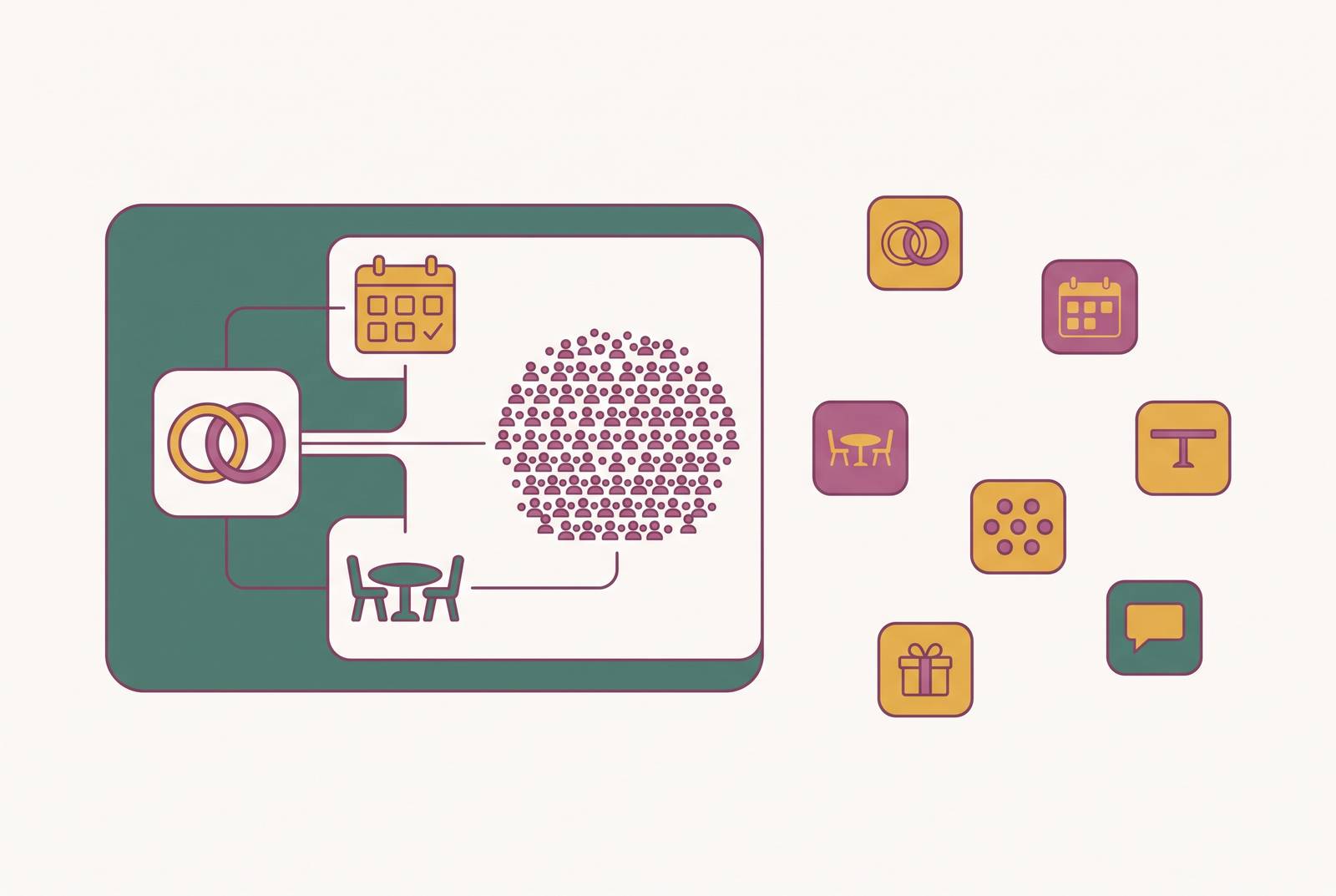
A platform can have a long feature list, one dashboard with a budget tab, a guest list tab, a seating tab, and a website tab, all under the same login. That's convenient. It's a different thing entirely from a platform where those features actually share data. The second kind, where an RSVP updates the guest list, which feeds the seating chart, which prints a dietary brief for the caterer, is the version that matters once guest count climbs.
When a guest's dietary need changes after RSVPs close, how many places does the couple have to go fix it by hand? One place means the data is connected. Two or more means it isn't, no matter how many tabs sit inside the same dashboard.
Three moments make that test count for something real: when final RSVP numbers lock in and the seating chart gets built from scratch, when a late change lands days out (a cancellation, a new plus-one, a dietary addition), and on the day itself, when venue staff and caterers need something to check against without calling the couple mid-service.
QR-code seating charts have become an increasingly common feature of 2026 weddings for exactly this reason. Instead of one printed board that's wrong the moment something shifts, guests scan a code and see their assigned seat pulled live from current data. If a table gets rearranged the night before, the update reaches every guest's phone without anyone reprinting anything.
Budget connection runs on the same logic, just quieter. A connected system shows, in real time, how a vendor payment due this week affects what's left in the budget. A disconnected spreadsheet only shows that after someone remembers to type the number in, which, on a busy week, might be never.
The Australian platform landscape at 100-plus guests
A handful of platforms built for, or widely used in, the Australian market handle the 100-plus scale in noticeably different ways. Those differences determine how much manual reconciliation work lands back on the couple.
One local all-in-one option runs a free plan that covers weddings up to 50 guests with every feature unlocked. Past that, a one-time Standard plan (A$99) adds drag-and-drop seating with no guest cap, no recurring subscription, and no per-feature charges. It skips a vendor directory entirely, so it's built to help a couple organise vendors they've already found rather than go hunting for new ones, and it runs in a browser with no native mobile app. For a couple past 100 guests who want seating and dietary tracking without a monthly bill, this is the strongest paid-tier option built in Australia.
A solo-developed Australian platform takes a different angle: AI-powered budget forecasting calibrated to Australian pricing, paired with guest list, vendor management, timeline, and checklist tools. It supports real-time partner collaboration, so both people in the couple can log tasks and decisions in the same place instead of texting each other updates all day. Planning itself is free; a one-off payment unlocks Smart RSVP, unlimited guests, and cinematic invitation video features. There's no native mobile app yet, though one's been announced for later in 2026, and still no vendor directory. Its strength sits in planning depth and budget intelligence, especially for couples juggling a large vendor roster.
Dedicated seating tools, built outside the all-in-one category, deserve their own section, since seating is often the one job couples split off into a second product even when everything else lives under one roof.
When dedicated seating tools outperform built-in options
Seating is a genuine constraint puzzle once guest count grows, not just a headcount problem. Open seating works fine for smaller, casual gatherings. Most couples move to assigned seating somewhere around 50 guests, and at 100-plus, the constraints stack on top of each other: dietary groupings, mobility needs, family politics, table shapes and sizes that never divide evenly.
Dedicated seating tools tend to handle complex venue layouts better than a built-in feature does: multiple rooms, outdoor sections, irregular floor plans that don't fit a generic grid of round tables. That strength comes at a real cost, though. A standalone seating tool almost always needs guest data imported by hand from wherever RSVPs actually landed, which drags the same reconciliation problem right back into the workflow.
A few tools stand out directly:
AllSeated builds floor plans onto the actual venue diagram, letting couples place guests table by table on the real room layout. The free tier covers core seating; a paid upgrade adds vendor and guest list tools. It earns its keep most clearly at 150-plus guests or in venues with multiple rooms.
SeatPlan.io takes CSV imports and offers drag-and-drop assignment, plus an AI feature that turns a photo, screenshot, or PDF of a venue layout into an editable seating chart. The free plan includes two AI imports with no signup required. By the platform's own account, most couples seat 100 guests in 30 to 60 minutes, against significantly longer with manual methods.
Wedding Studio offers a free digital seating chart planner (physical printing costs extra) and doubles as a leading QR wedding album tool, used across more than 20,000 weddings in 2025. It adds table card printing, delivery, and photobook services for couples who want physical keepsakes alongside the digital workflow.
Keeping seating inside an all-in-one platform, rather than splitting it into a separate tool, comes down to where the dietary data actually lives. When the seating tool draws from the same database as the RSVP form, a guest's allergy or preference appears right next to their name while the couple is assigning tables, with nothing left to track separately or forget.
Whatever route a couple takes, five columns need to exist on any seating plan at this scale: guest name, table number, RSVP status, dietary needs, and group or relationship. If one of those columns is missing, the chart stops being useful the moment anything changes.
Why the dietary-to-caterer pipeline breaks without connected data
At 100-plus guests, dietary requirements aren't a handful of exceptions scribbled in the margins. They span allergies, intolerances, religious dietary law, and plain preference, often across a genuinely mixed guest list, and they arrive at different times from different households over several weeks.
When those requirements sit buried in individual RSVP emails, or live in one app while seating happens in another, the caterer's final brief gets built by hand. It's only as accurate as the last time someone sat down and reconciled everything, which for most couples happens once, a week or two out, under real time pressure.
That's exactly the window when things go wrong. A guest cancels. Their partner, replying separately, adds a dietary note in the same breath. That single event now needs three updates: the guest list, the seating chart, and the caterer's document. In a disconnected stack, each of those is its own manual step, and wedding week is precisely when steps get skipped.
Connected data doesn't remove the requirement, it removes the manual step. A dietary note entered at RSVP shows up on the seating chart automatically, tagged to the guest's actual seat. Table cards printed from that same system carry a dietary legend the caterer reads directly at service. Instead of assembling one master document from three different sources the morning of the wedding, the couple hands the venue a single export that's already current.
Australian venues add another layer on top: immediate family seated nearest the couple, older guests placed away from speakers, divorced parents kept at separate tables with their own family groups. These placement rules interact directly with dietary groupings, table by table. Handling both inside one workflow, instead of toggling between two disconnected tools, saves real time. Consolidating both into one workflow also leaves fewer places for a detail to fall through.
A framework for choosing your planning architecture
No platform gets every job right, and pretending otherwise wastes time a couple doesn't have. The real decision comes down to which gap costs more time and stress at a couple's actual guest count. It's which gap costs more time and stress at a couple's actual guest count.
Guest count is the first and biggest variable, and it's not close. Under 50 guests, the free tier of nearly any platform on the market handles the job fine, connected or not, because the couple can still catch errors by memory alone. Between 50 and 100, seating and dietary coordination start to matter enough that a dedicated tool or a connected feature set earns its place. Past 100, architecture matters more than website templates or invitation design, full stop, because that's the guest count where manual reconciliation reliably falls apart.
Vendor count scales right alongside guest count and matters just as much. A couple hiring a dozen or more vendors, caterer, florist, band, photographer, celebrant, hire company, needs contracts, payments, and arrival windows tracked somewhere that doesn't depend on memory or a pile of email threads.
Small weddings can survive a patchwork of great single-purpose apps, and there's nothing wrong with that approach at that scale. Past 100 guests, though, the coordination overhead of stitching those apps together by hand starts costing more than any individual feature is worth. Match the architecture to the guest count.