Wedding Website Builders With Built-In RSVP and Seating Chart Tools
Integrated RSVP and seating data eliminate manual updates across wedding planning.

Australian couples don't need another platform that just advertises RSVP tools and seating charts side by side. They need one where those two features talk to each other, so a dietary change made in the RSVP form appears on the seating chart and the table card without anyone touching a spreadsheet. Wedbuild, built in Australia with AUD pricing throughout, is one option structured this way, and understanding what that connection looks like helps before comparing the field.
Spreadsheet-style problems from RSVP and seating chart features that don't share data
Most couples find this problem the same way: a guest replies two weeks before the big day to say they've gone vegetarian, or a plus-one who said yes now says no. On a platform where RSVP and seating live as separate features rather than one connected system, that single change has to be typed in three different places. The guest list needs updating. The seating chart needs updating. And someone usually has to update whatever document is heading to the caterer too, by hand, usually at 11pm.
Couples were doing that same reconciliation work in spreadsheets; it's just spread across prettier screens now. A wedding website builder can have an RSVP form and a seating chart tool and still leave the couple doing the job a database should be doing: keeping one fact in sync across every place it shows up. A single data layer is the term for that underlying fix: the RSVP, the guest list, the seating chart, and the table cards all pull from the same stored record instead of each keeping their own copy.
The size of the guest list decides how much this costs a couple. If a wedding has ten guests and one set menu, it barely notices a disconnected system, because there's almost nothing to reconcile. A wedding with a large guest list, three meal options, and a handful of allergies turns every late RSVP into a small fire drill, because one change now has to be chased down through a guest list, a seating chart, and a catering sheet that all live in different places. The question worth asking is whether those features share a single guest record, so a change made once is a change made everywhere.
Genuine connection between a wedding website, RSVP, and seating chart in practice
Picture a guest invited for fish who lets the couple know two weeks out that she's switched to vegetarian. In a connected system, she updates her meal choice through the RSVP page, and that one edit updates her guest list entry, her seating chart assignment, and her table card automatically. No one opens a second document. No one emails the caterer separately. The chart and the printed card already reflect the change by the time anyone checks.
In a disconnected system, the guest's update lands in the RSVP tool and goes no further. The couple has to notice the change, open the seating chart software, find the guest's seat, update her meal tag, then open whatever file goes to the caterer and fix that too. Multiply that one guest by a dozen others making changes across six weeks: the couple ends up running a small data-entry operation on the side of planning a wedding.
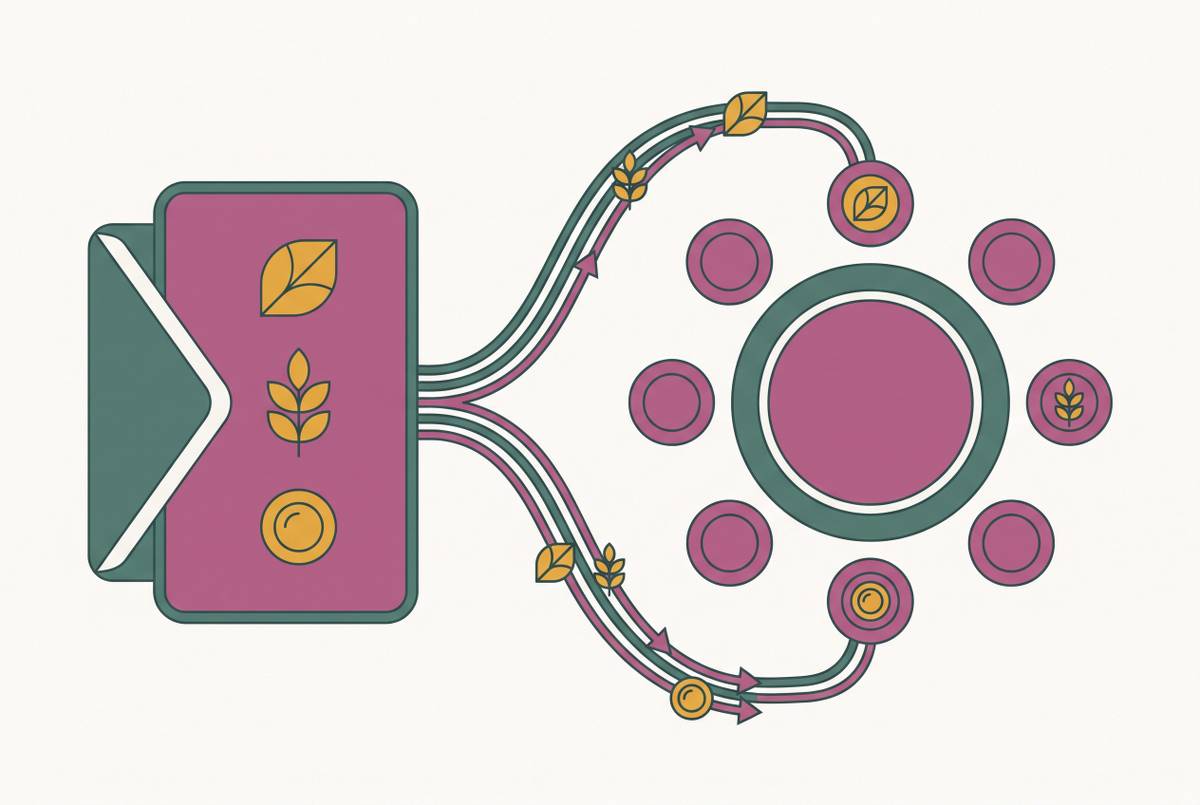
The flow that avoids this runs in one direction, start to finish: RSVP received, guest list updated, dietary requirement recorded, seating chart reflects the change, table card and day-of QR seat finder update without anyone touching them again. That chain only works if the first link is solid. An RSVP form that only asks "attending: yes/no" produces guest-list data and nothing more. If a form asks each guest their individual meal choice, it produces data a seating chart can actually use. Wedbuild, an Australian-built all-in-one planning platform, was designed by a couple who ran into exactly this friction: every feature, guest list, RSVP, seating chart, budget, shares a single data layer, so a guest's dietary update propagates automatically across the invitation, seating assignment, and table cards with no manual reconciliation required.
A few design details decide whether that chain holds up. Collecting meal choice per person rather than per household matters because a household RSVP covers a couple but doesn't say which of the two wants the chicken. A unique guest code at the RSVP stage, tied to one invitation, keeps uninvited plus-ones from quietly appearing in a guest list that then has to be seated. The downstream pieces, table cards with dietary legends and a QR code guests scan on the day to find their seat, work correctly only when the upstream data was collected cleanly. They're the proof the system worked, not features bolted on for show.
How the main platforms handle the RSVP-to-seating connection
Platforms available to Australian couples split roughly into three groups, based on how deeply their RSVP and seating tools are actually wired together rather than how many features sit on the same dashboard. Tools built specifically for the Australian market tend to have an edge here, because local pricing and local assumptions about venues and vendors shape which features actually apply.
Wedbuild sits at the connected end of that spectrum. Built in Australia by a couple who planned their own wedding, the platform is set up so every piece of data feeds directly into the next step. The free plan covers a wedding website builder, online RSVPs with custom questions, a guest list with import and export up to a limited guest count, a wedding checklist, an event schedule, announcements and email campaigns, and step-by-step AI guidance. It does not include the budget planner with charts and alerts, invoice and payment tracking, the drag-and-drop seating chart, multiple seating versions, the visual room designer, table cards with dietary legends, the QR Find My Seat tool, vendor comparison with scoring, or the AI Wedding Assistant. Those sit behind a one-time paid upgrade rather than a subscription: Standard, which runs two years with unlimited guests, and Pro, which adds the room designer, table cards with dietary legends, QR Find My Seat, vendor comparison, and the AI assistant. Every paid plan carries a 14-day money-back guarantee. The core of what Wedbuild offers at the Pro level is that single connected loop: an RSVP updates the guest list, the guest list feeds the seating chart, and the seating chart prints table cards and powers the day-of QR seat finder, with no manual step in between.
Guesticon takes a different approach: it's a free wedding planning platform for Australian couples that combines RSVP management, a drag-and-drop table planner, and photo sharing with no guest limit. RSVP management and table planning cost nothing, but full QR photo sharing carries a one-time $29 fee. It's a reasonable fit for couples who want seating and RSVP tools at no cost and don't need budget tracking, vendor comparison, or deeper planning features layered on top.
Seat Puzzle occupies the third lane: a seating chart and floor-plan tool first, with built-in RSVP collection, a live guest list, and event checklists attached. It handles attendance and dietary tracking directly, but it isn't built around a website and RSVP flow feeding into it from the outside, so any RSVP data collected elsewhere has to be imported by hand. It suits couples who already have a wedding website and RSVP system sorted and need a strong visual tool for a complex floor plan.
Beyond these, a wider field of internationally built platforms offers RSVP and seating features with partial relevance to Australian weddings. Many were designed around US assumptions baked into their pricing, their registry integrations, and their vendor directories, which matters more than it might seem once an Australian couple tries to use the features that depend on them.
When a disconnected tool is sufficient
None of this means every couple needs the deepest possible integration. A small wedding with a set menu and minimal dietary variation generates very few RSVP-to-seating updates in the first place, so there's little for a disconnected system to get wrong. A free, lighter tool is a perfectly sound choice at that scale, and paying for a connected platform wouldn't buy much.
The calculation changes as three things grow: guest count, menu complexity, and the spread of dietary requirements. Fifty guests is a practical line, because it's the typical cap on free-tier guest lists across connected platforms. Past that point, or once a menu has several meal options to track person by person, or once dietary needs span several categories that have to show up correctly on table cards, the manual reconciliation a disconnected system demands turns into a real time cost. A dedicated tool like Seat Puzzle still makes sense here, especially if a couple's RSVP data is already locked in and stable and they need strong visual floor-plan design over a live sync between RSVP and seating.
The upgrade to a connected platform earns its cost at the point where a single caterer error, a re-plated meal, a guest with no option prepared, costs more in stress and money than the one-time price of the upgrade itself.
Australian couples carry one more variable into this decision that international comparisons tend to skip. Many platforms built overseas carry structural limits here: registries tied to US bank accounts, paid extras priced in USD, vendor directories with no Australian listings. A platform that looks fully featured in a review written for a US or UK audience can deliver a noticeably smaller set of usable features once those US-dependent pieces are stripped out. Pricing in AUD and tools built around Australian venues, vendors, and seasons aren't surface details. They decide which features a couple can actually put to use on their own wedding day.
Evaluating a platform's RSVP-to-seating connection before committing to it
Before settling on a wedding website builder, it's possible to test directly whether its RSVP and seating features share real data or just sit next to each other on the same dashboard. Start by checking whether updating a guest's dietary requirement inside the RSVP flows through to the seating chart and the table card on its own, without you making a separate manual edit somewhere else. Check next whether the RSVP form collects a meal choice for each individual guest rather than one answer per household, and whether that individual choice carries through to the seating chart attached to the right name. Test what happens when a guest who's already been seated changes their RSVP from attending to not attending, since a connected system removes them from the chart automatically while a disconnected one leaves a ghost seat until someone notices. It's also worth confirming whether the platform can generate table cards with dietary legends straight from the live guest data, or whether producing them means exporting a file and reformatting it by hand. Last, check for a day-of mechanism, a QR Find My Seat tool is the common version, that guests can use on their own instead of the couple printing and managing a separate seating document at the venue.
A free trial is the right place to run all of this, and it's a better use of that window than browsing templates. Build a small test guest list, submit a test RSVP with dietary information included, assign that guest to a seat, then change the dietary requirement and watch whether the seating chart updates on its own or waits for someone to fix it manually. Template design can be judged from a screenshot. Whether the data underneath actually connects can only be judged by running it. Wedbuild offers a seven-day free trial of its paid features, so you can run exactly this test against the seating chart, the table cards, and the QR seat finder before you pay for anything.
What this comes down to is simple: a calm wedding day is the output of clean, connected data set up months in advance, not a feature list. The couples who avoid last-minute chaos aren't the ones who found a platform with the most checkboxes ticked. Their RSVP form, guest list, and seating chart were built to update each other automatically, long before the first guest ever hit submit.